Autumn Leaves Wallpapers for iPhone: Golden, Cozy & Moody Fall Screens
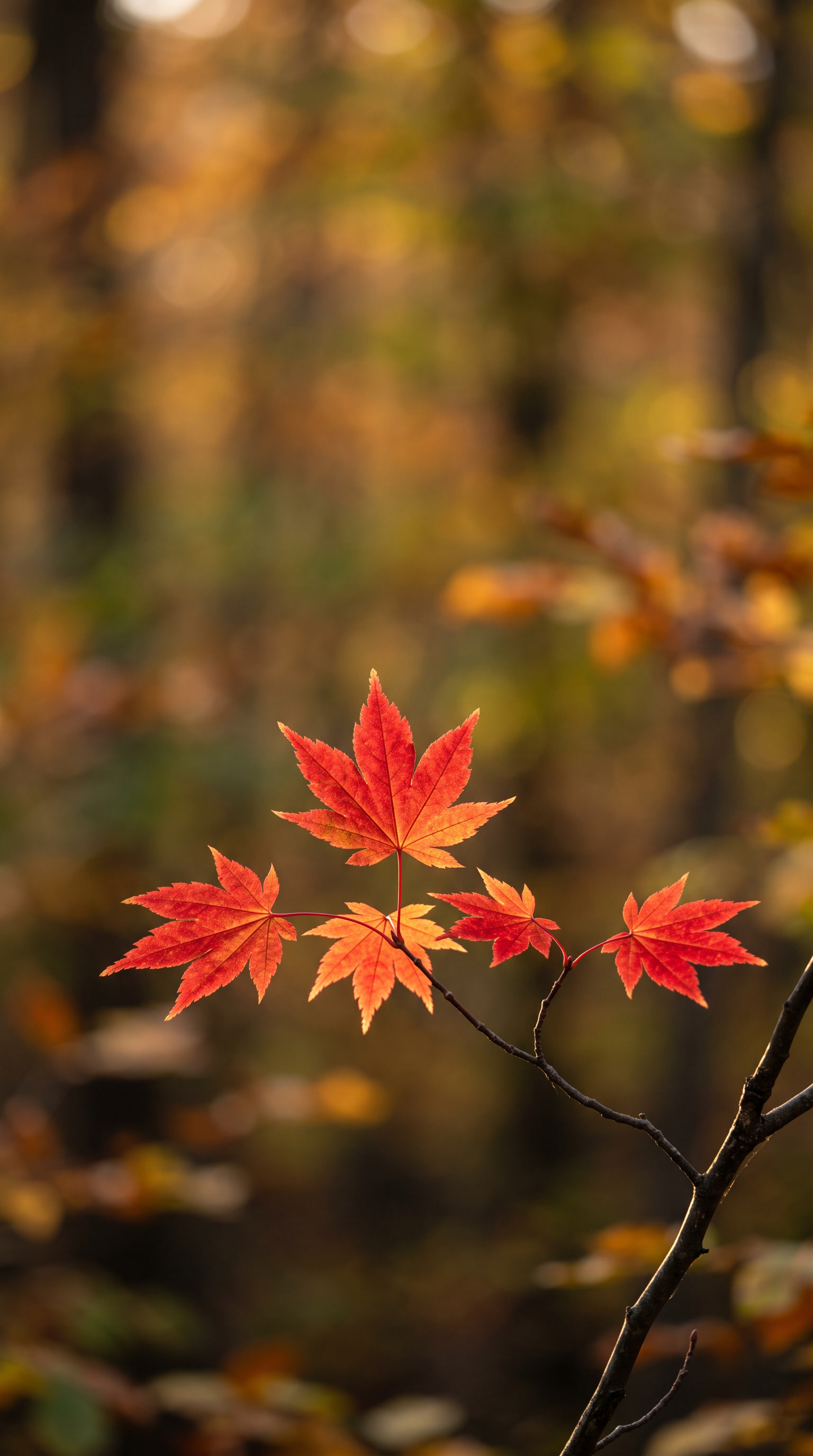
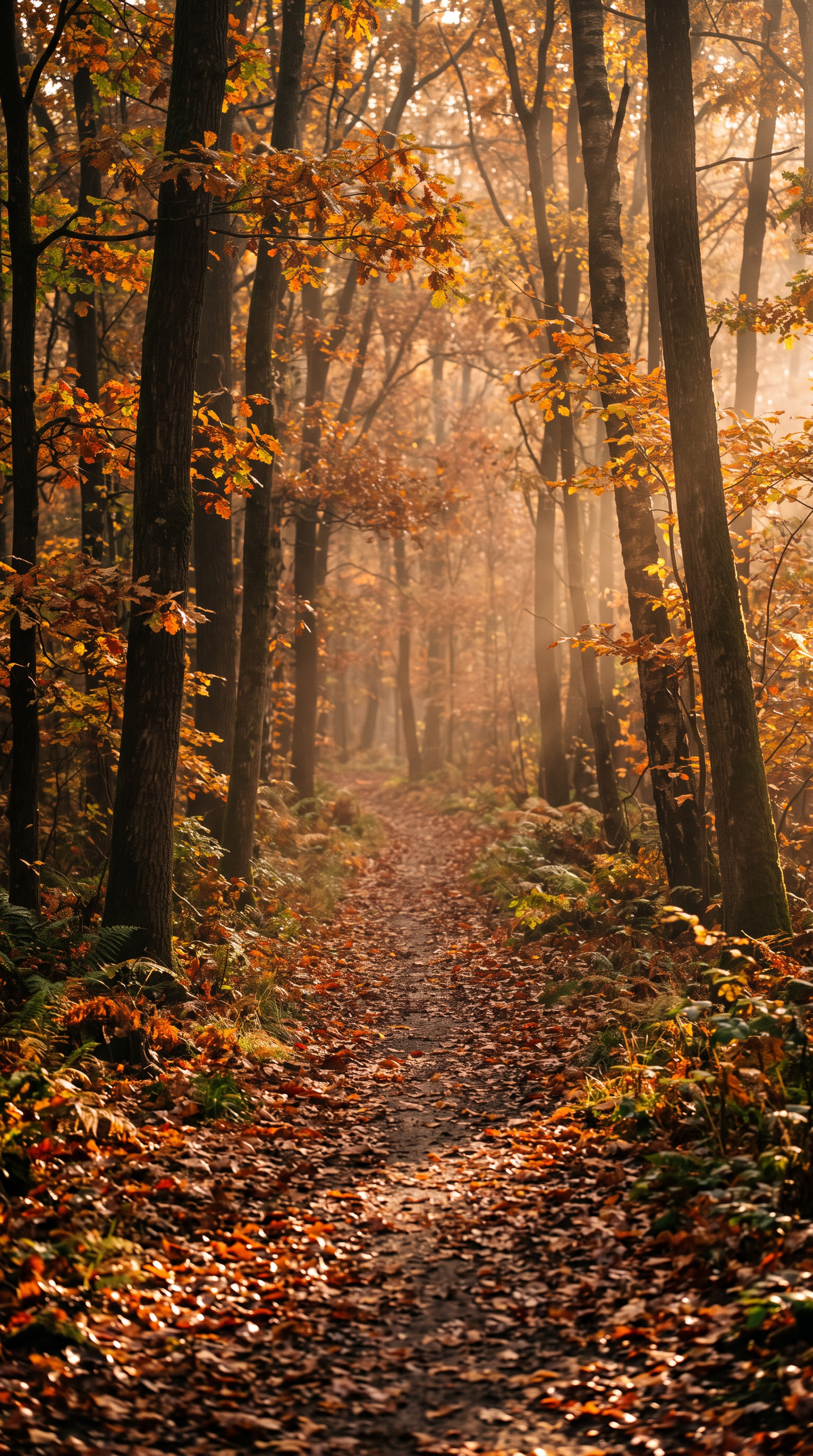
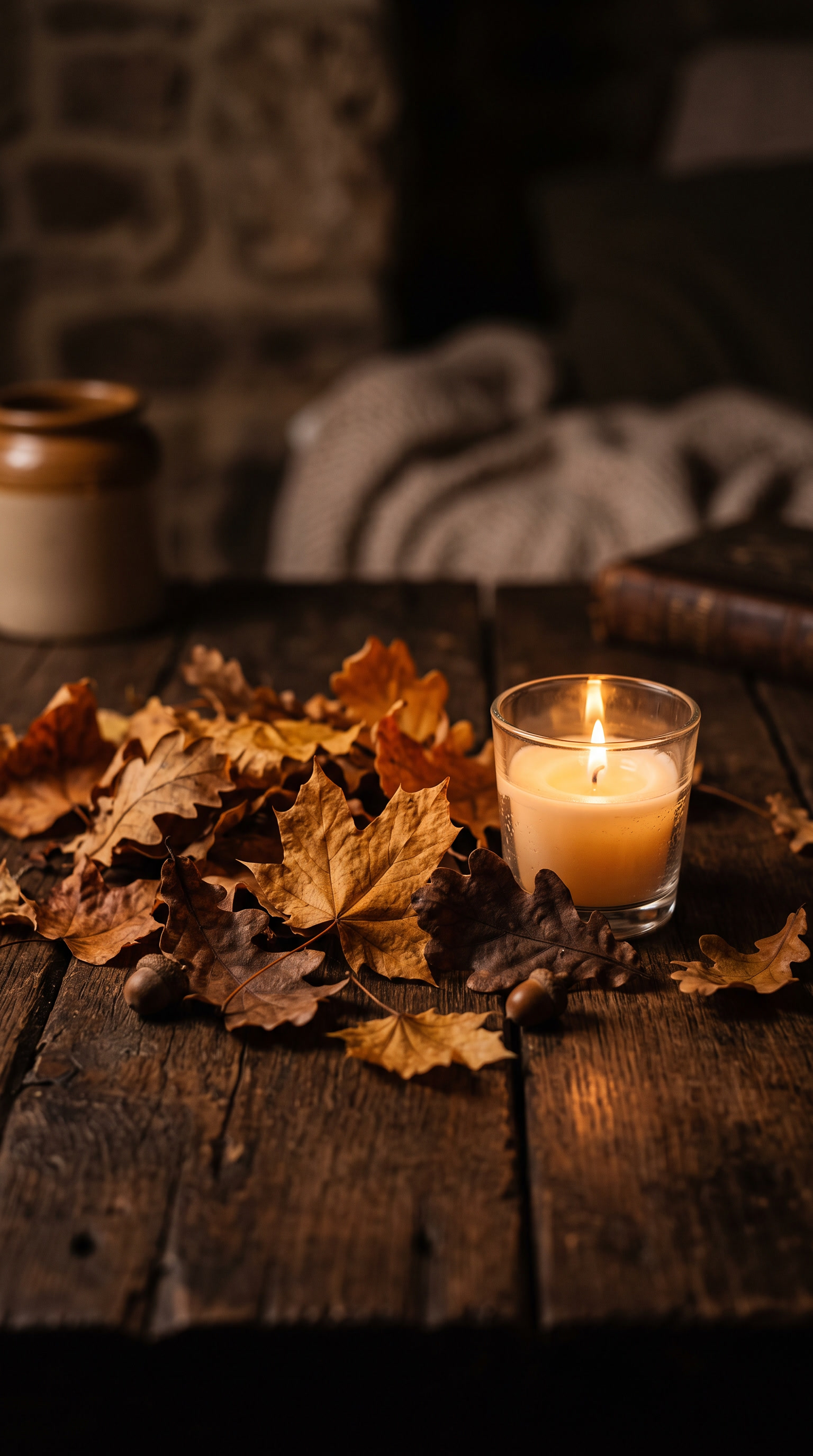
Our autumn leaves wallpapers for iPhone bring the colors of fall straight to your screen, from glowing maple branches to rain-soaked forest floors. This collection is made for anyone who wants their phone to feel as warm and seasonal as a favorite sweater. Every design is free to download, high resolution, and optimized for the tall iPhone display.
Click any image to download in full resolution.
Love whimsical, illustrated fall art? Browse our fall aesthetic iPhone wallpapers → for leaf-dressed figures and cozy autumn sketches.
The Autumn Mood We Were Going For
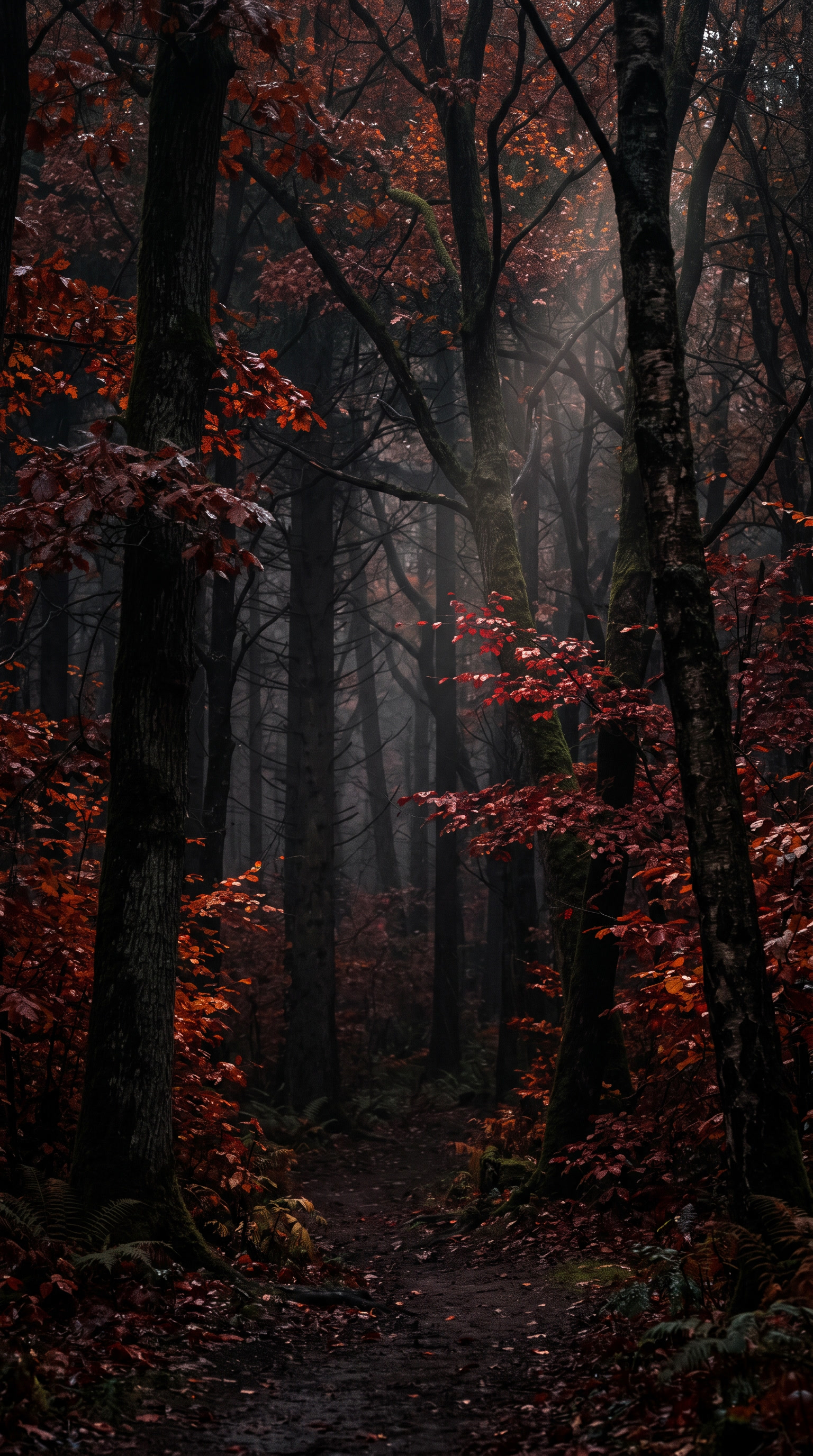
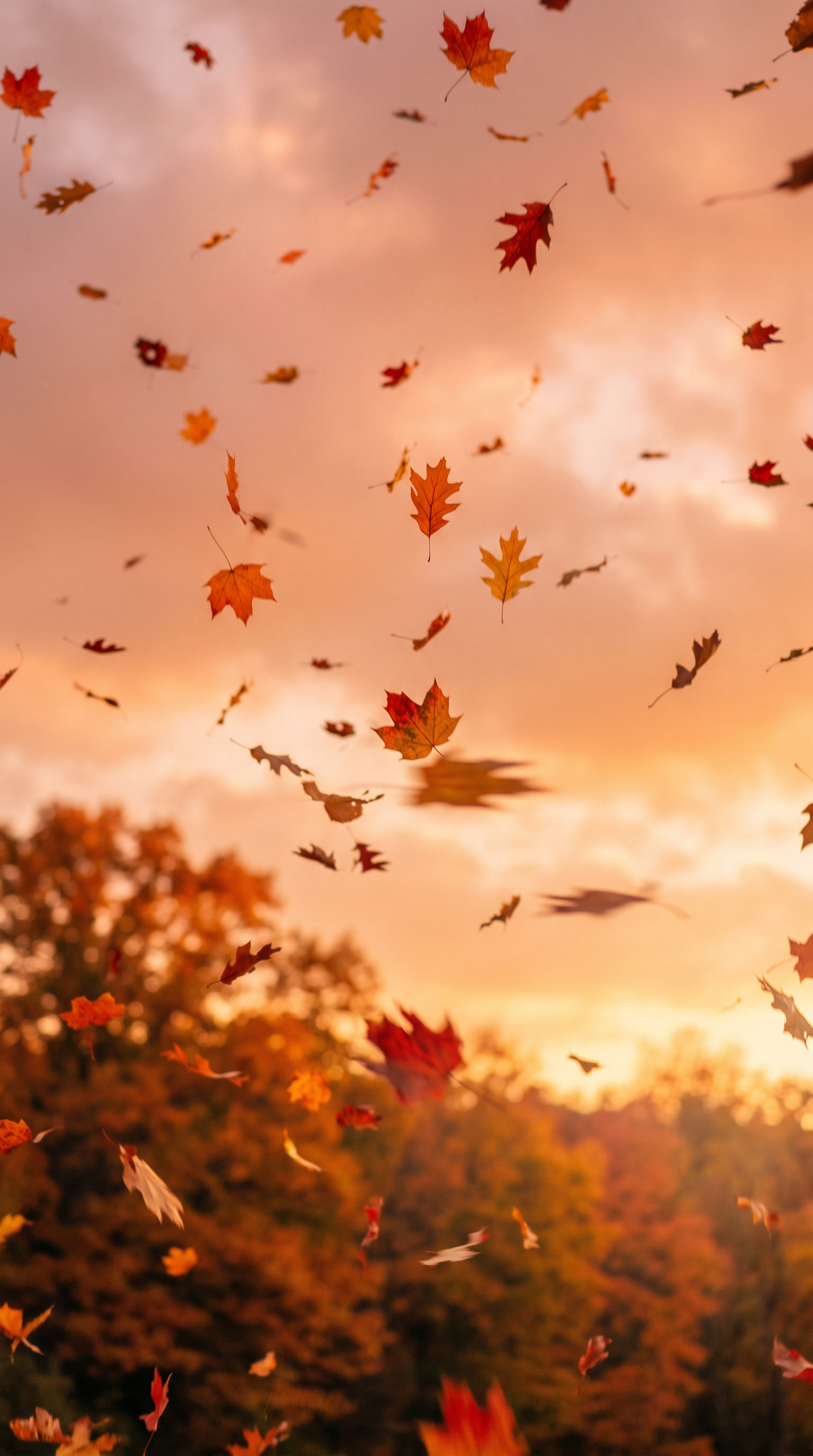
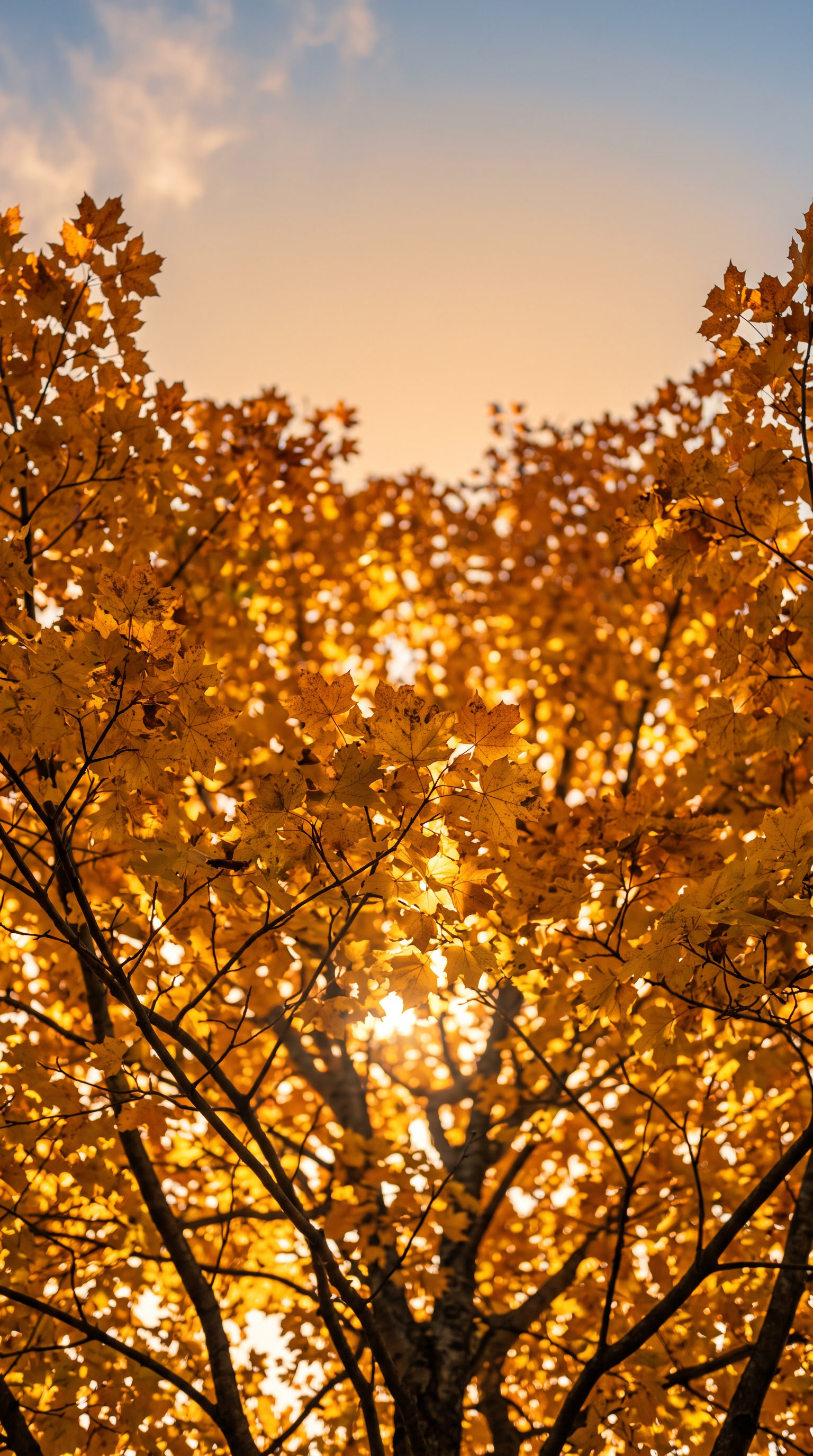
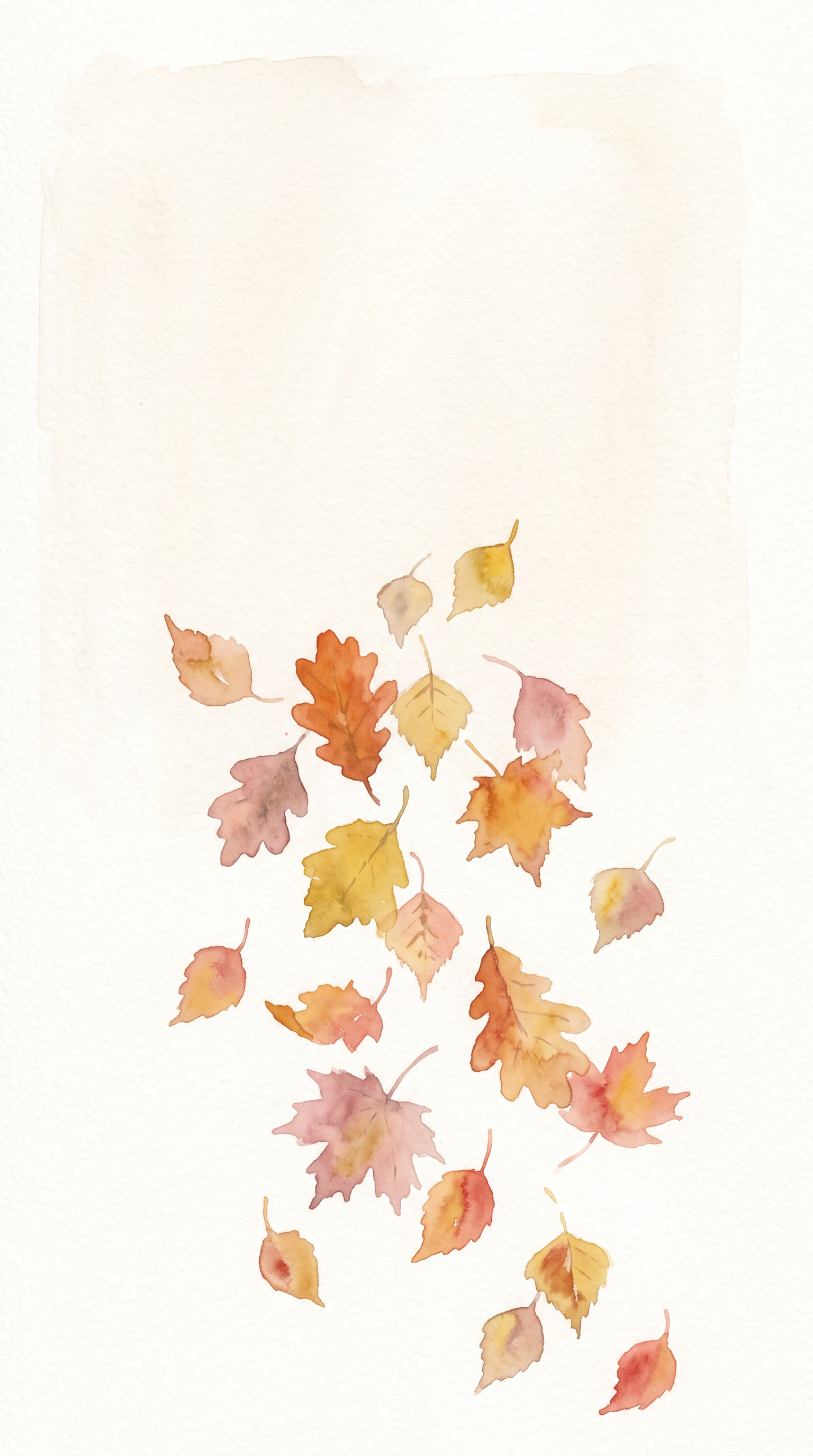
Fall on your phone should feel like a Saturday drive through Vermont when the hills turn gold. For a bright, energizing lift, start with the golden maple canopy image, where sunlight pours through a ceiling of yellow leaves. The falling leaves sunset is another good pick, glowing like an October evening on the Blue Ridge Parkway. If you lean dreamy and romantic, the sunlit forest path feels like a hazy morning walk in the Great Smoky Mountains. The soft watercolor leaves design reads like a page from a pressed flower journal.
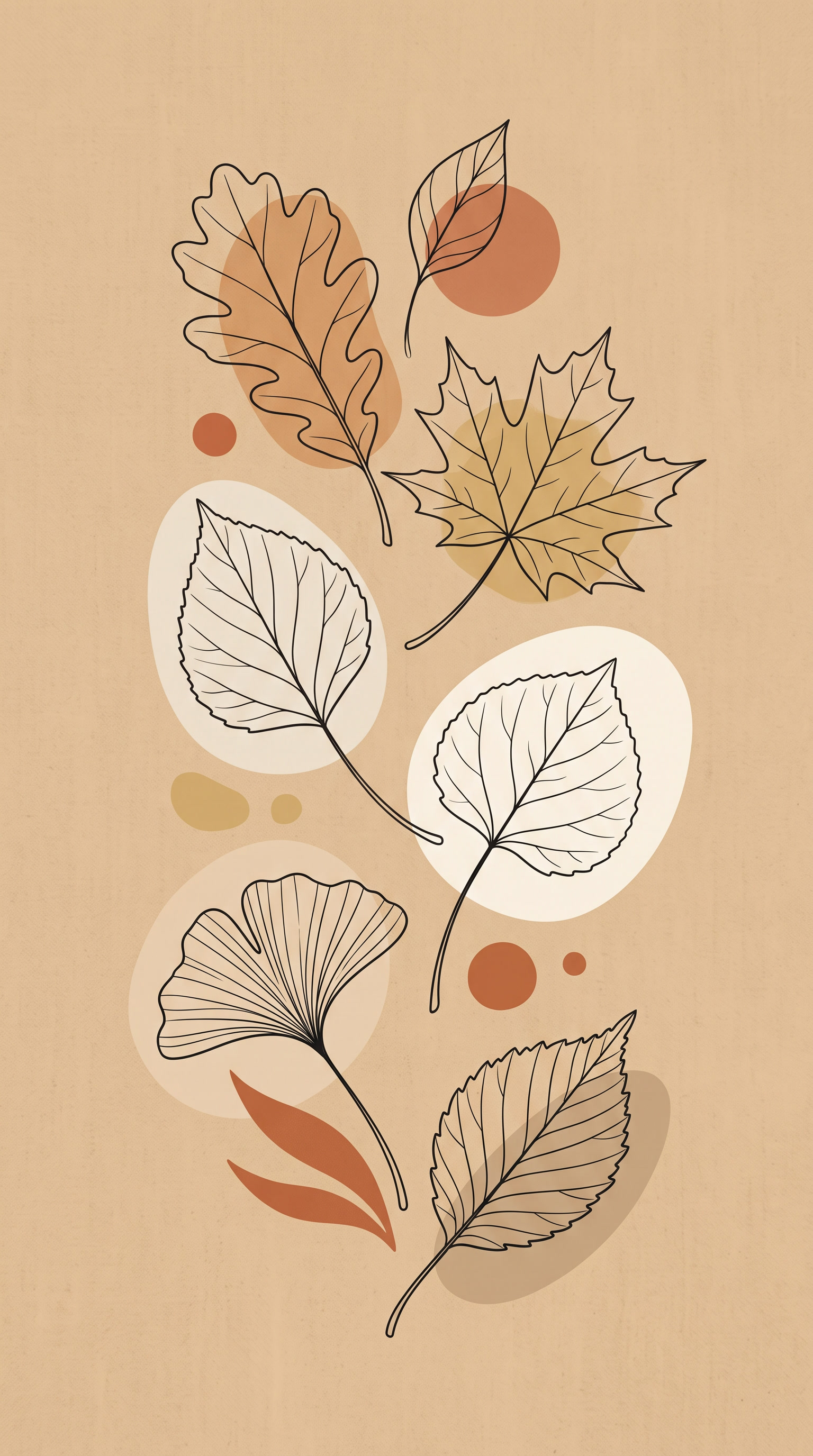
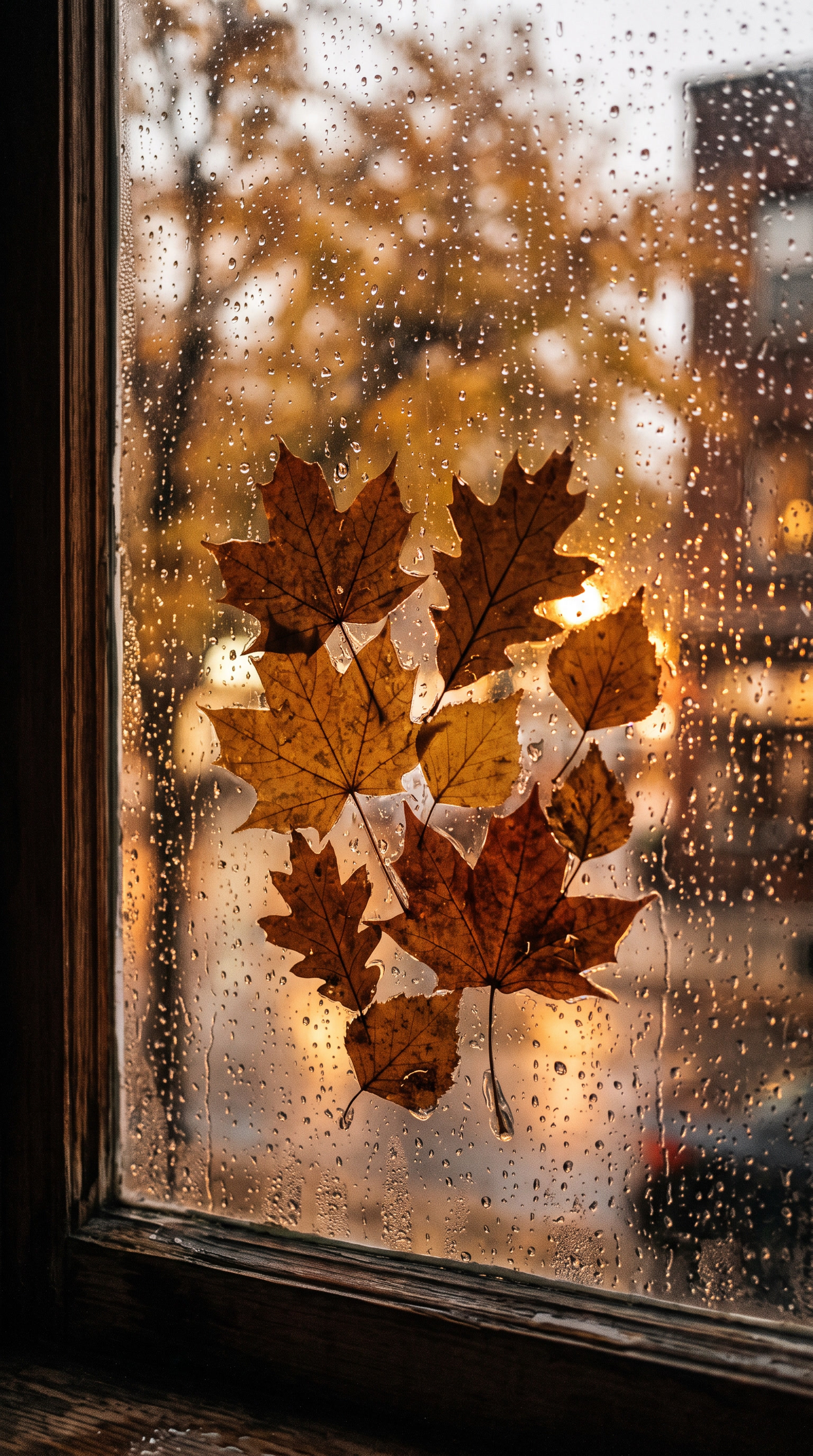
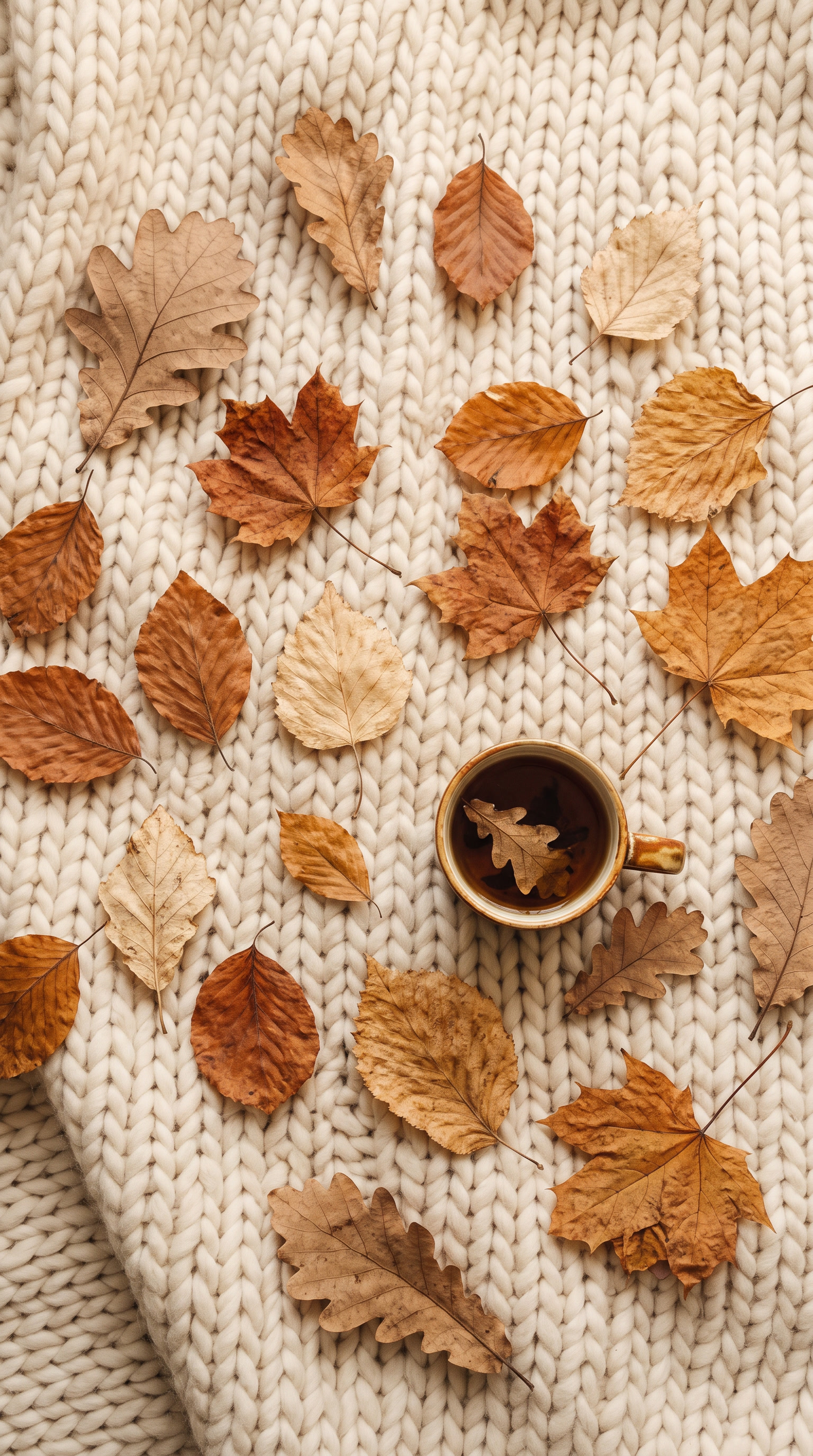
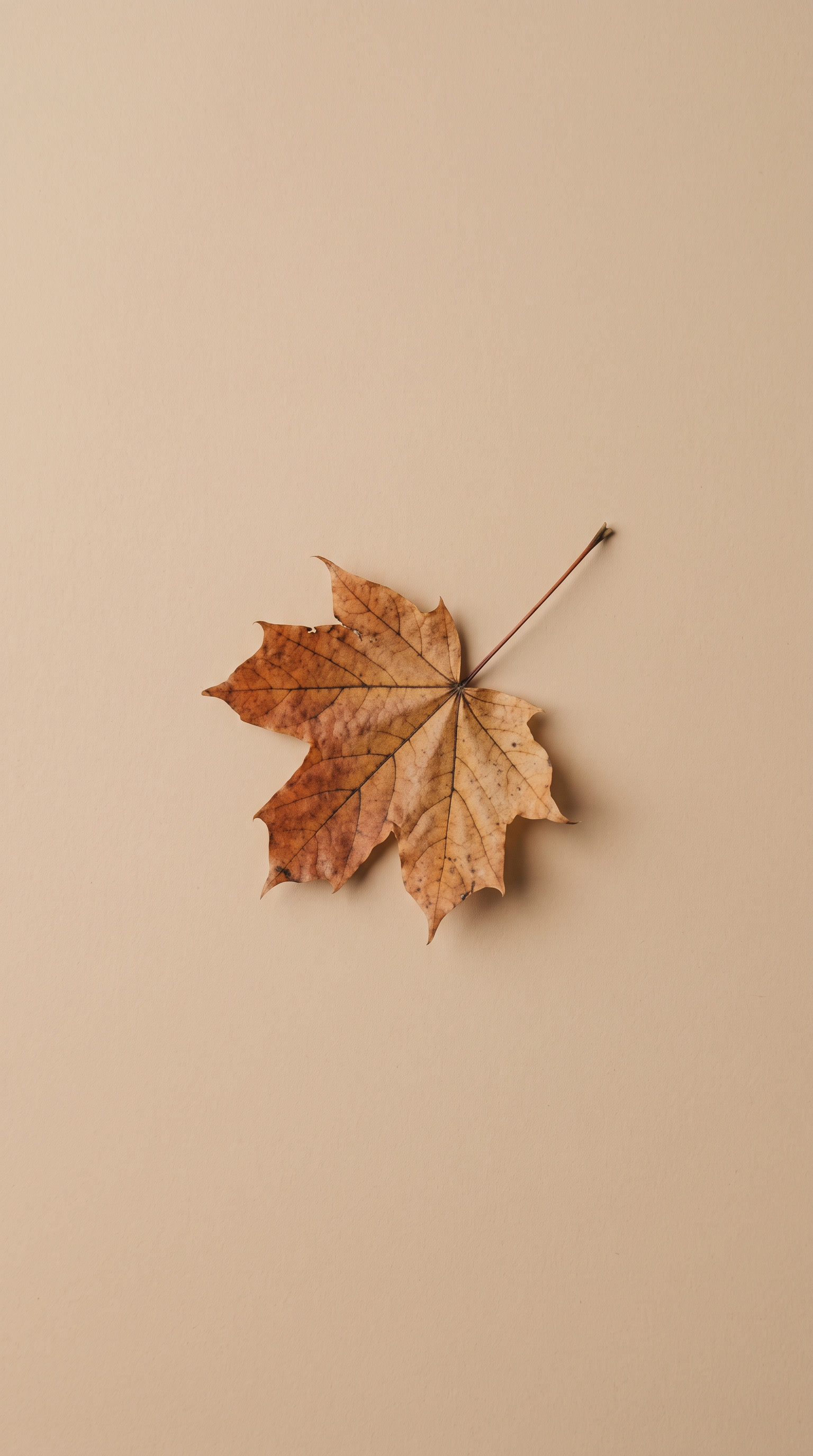
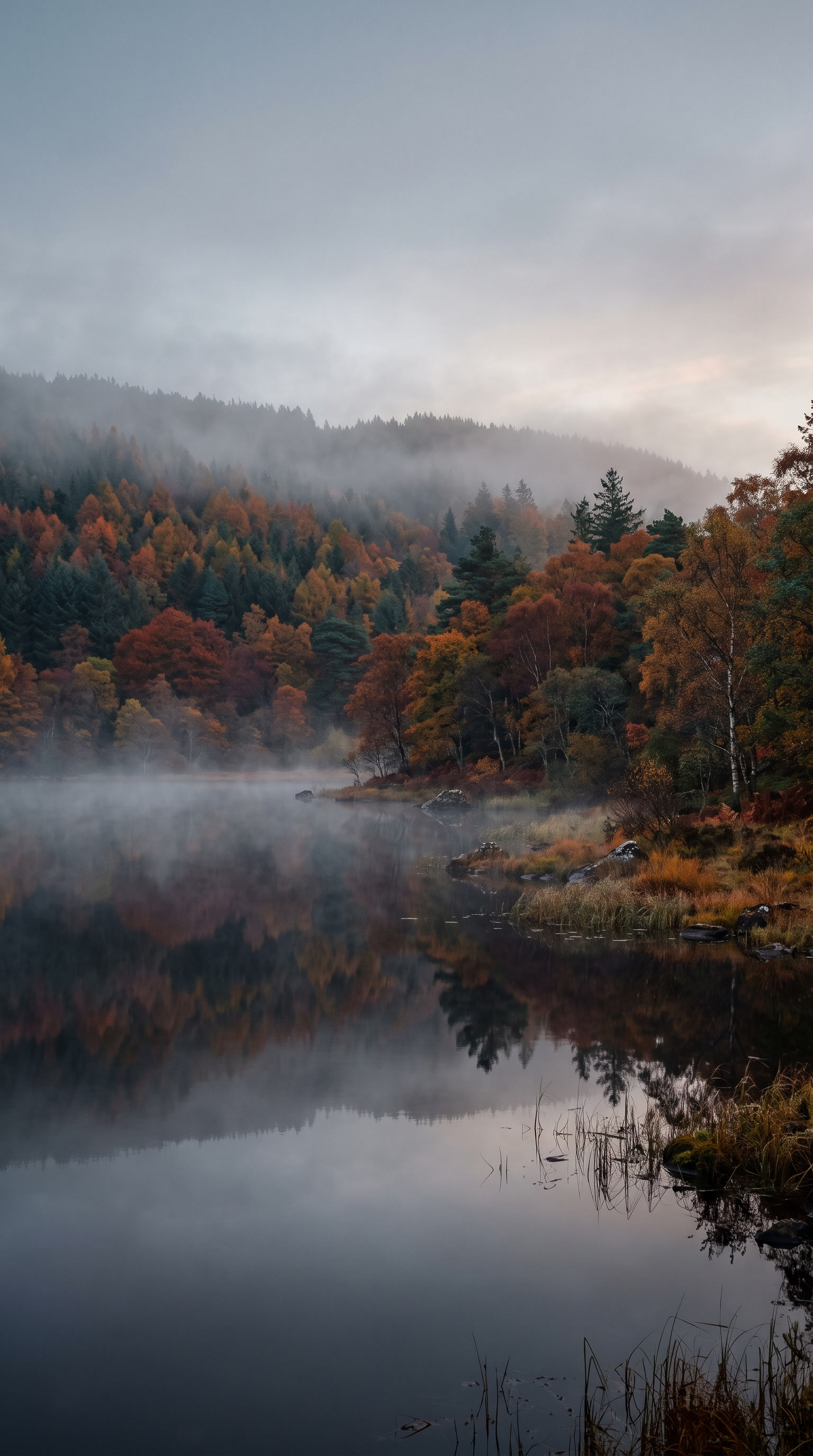
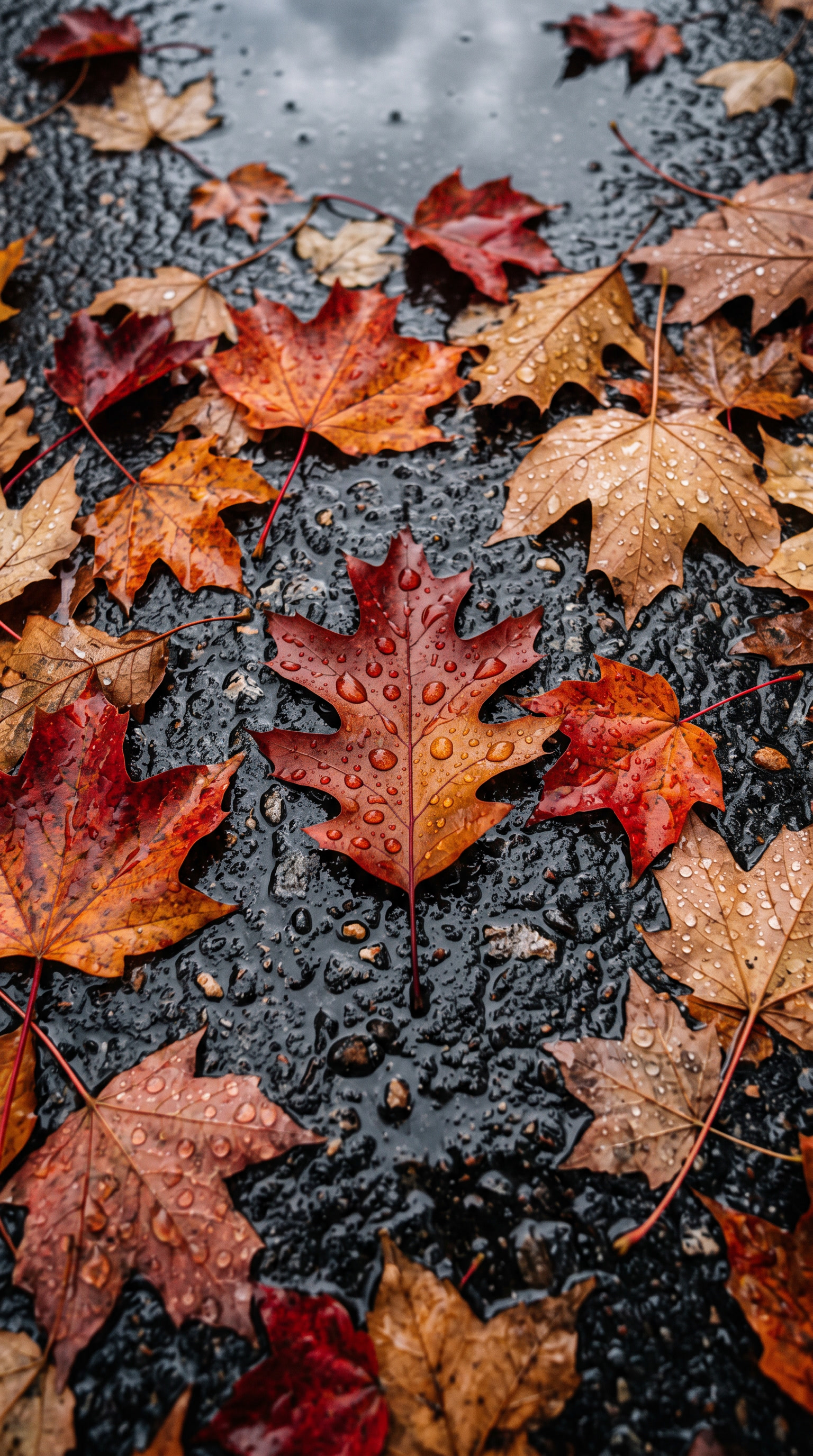
Prefer something darker? For a moody, cinematic feel, the dark moody forest and the misty morning lake capture those foggy mornings in Michigan’s Upper Peninsula. The rain-soaked leaves image looks like a wet Boston sidewalk in late October. For a clean, trendy aesthetic home screen, the minimal beige leaf, the boho line art, and the knit blanket flatlay with its little coffee cup keep icons easy to read. These autumn leaves wallpapers for iPhone can follow your mood all season, and you’ll find even more cozy picks in our Seasonal Wallpapers Collection. →
What size are these autumn leaves wallpapers for iPhone?
Every design is created in a tall 9:16 portrait format at high resolution, so it fills the screen on recent iPhone models without stretching or blurring. The images scale cleanly to Pro Max displays and keep fine details like leaf veins and water droplets sharp. If a wallpaper looks slightly zoomed after you set it, pinch to adjust the crop or turn off Perspective Zoom in the wallpaper settings.
Can I use these wallpapers on Android or iPad?
These backgrounds are designed for phone screens, so they also work well on most Android phones, which use a similar tall aspect ratio. On an iPad, the portrait crop would feel cramped or cut off at the edges. Looking for more tall-screen designs? Explore our Phone Wallpapers Collection → for backgrounds made to fit any smartphone. For tablets and laptops, we keep separate device collections with properly sized layouts.
Are these autumn leaves wallpapers for iPhone really free?
Yes, every wallpaper in this autumn leaves wallpapers for iPhone collection is completely free to download, with no sign-up, subscription, or watermark. They are shared for personal use on your own phone. Just tap an image, save the full-resolution file, and set it up in seconds. New seasonal designs are added regularly, so it’s worth checking back as fall turns into winter.
Which designs work best on the lock screen vs the home screen?
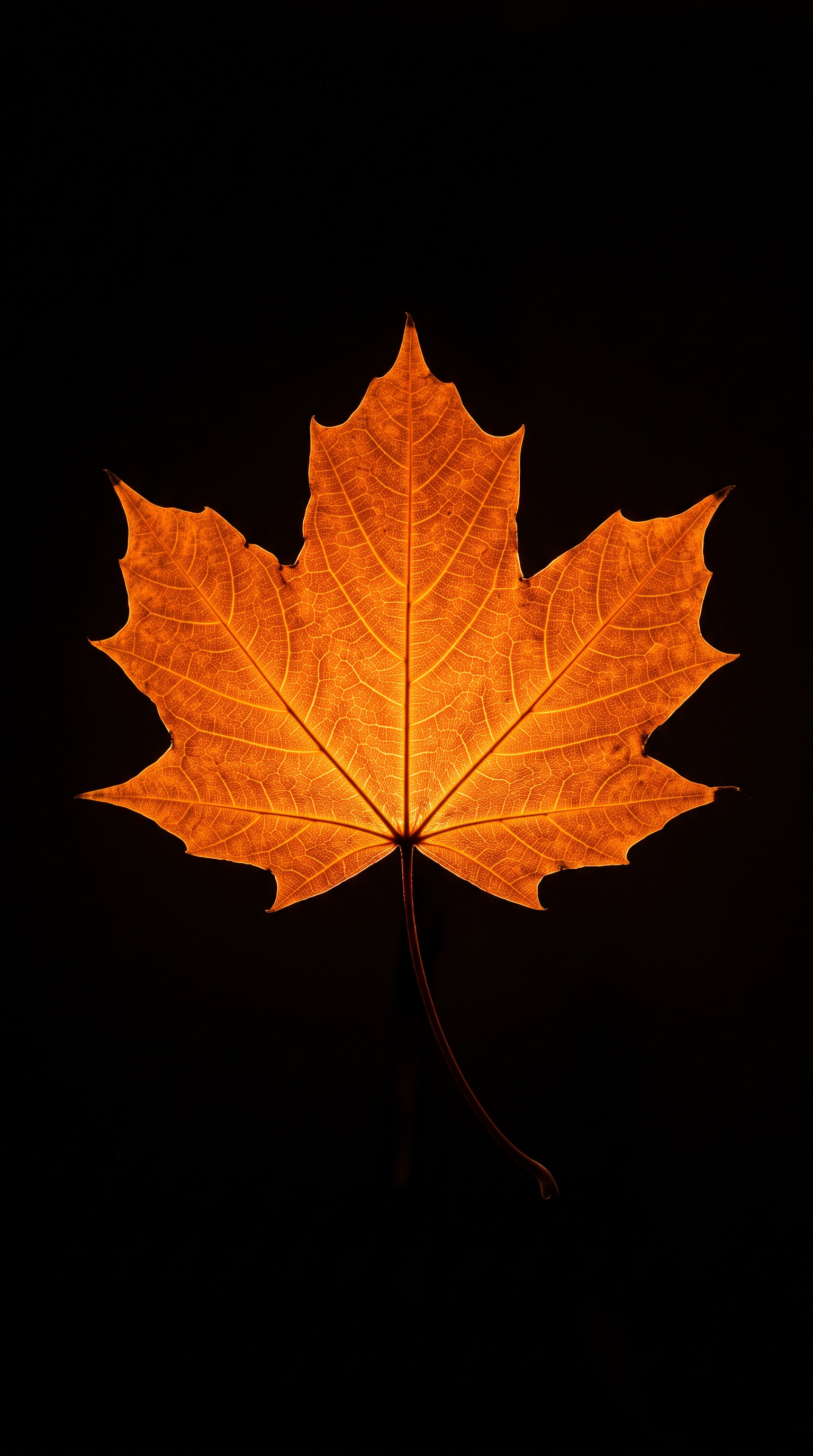
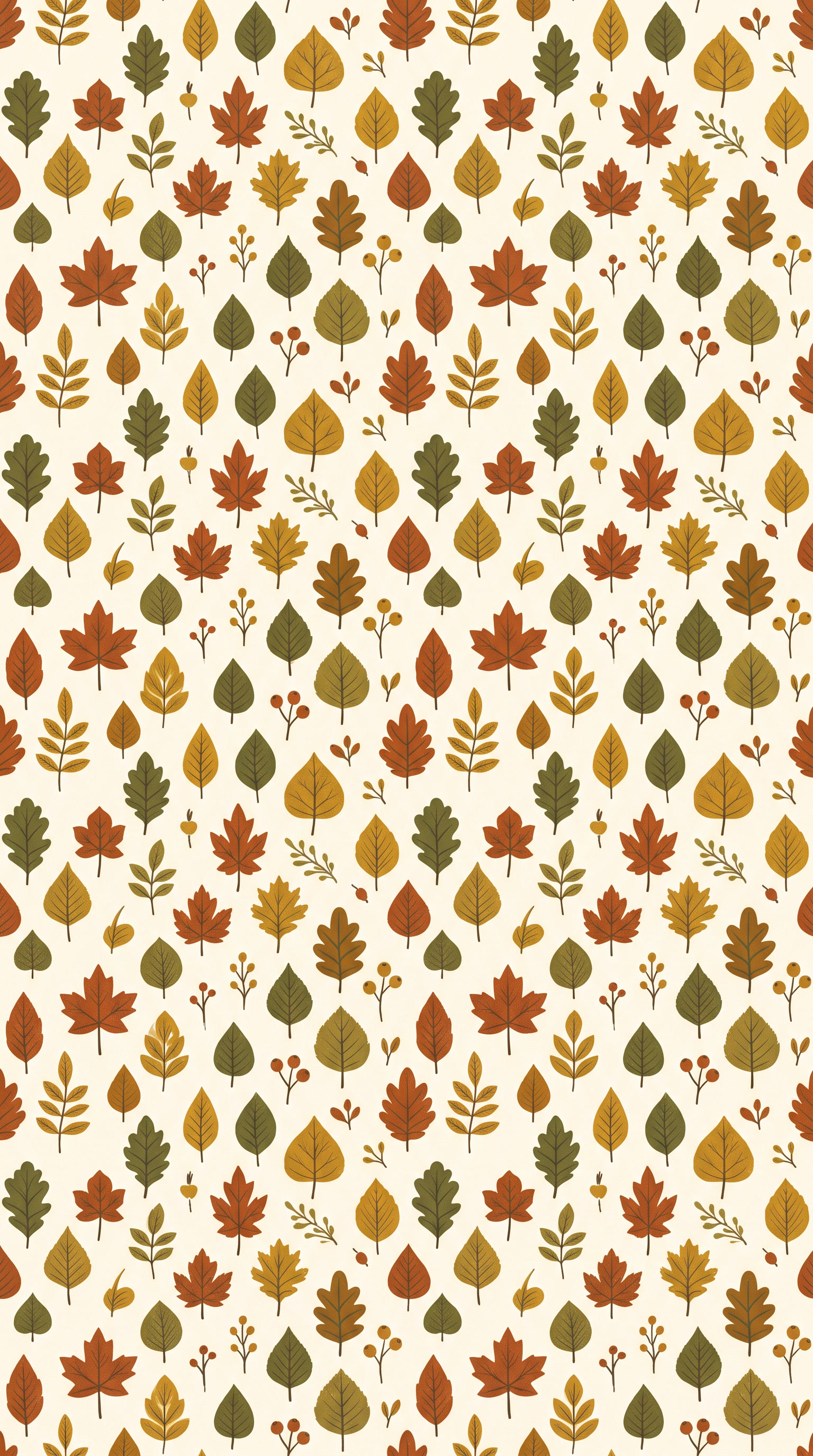
Detailed, busy images work best on the lock screen, where no app icons get in the way. The golden maple canopy and the dark moody forest look stunning there, with the clock resting over open sky or shadowy treetops. For the home screen, choose calmer autumn leaves wallpapers for iPhone like the minimal beige leaf, the leaf pattern repeat, or the black glowing leaf. Their quieter backgrounds keep icons and widgets easy to read. Pairing one busy lock screen with one quiet home screen creates a balanced look.
Click on the image to explore and download more autumn leaves wallpapers for iPhone:
How to Download Autumn Leaves Wallpapers on Your iPhone
Saving autumn leaves wallpapers for iPhone takes less than a minute. Tap any image in this post to open the full-resolution version, then press and hold it and choose Save to Photos. Next, open the Settings app, go to Wallpaper, and tap Add New Wallpaper. Pick the saved image from Photos, pinch to adjust the crop, and decide whether it goes on your lock screen, home screen, or both.
Look for the small phone icon below each thumbnail. It confirms the design is optimized for tall smartphone screens. Browsing on a computer? Download the file there and send it to your iPhone with AirDrop, iCloud Photos, or a quick email to yourself.
Why Autumn Leaves Wallpapers Are Trending
Searches for fall wallpapers start climbing in late August, peak through September and October, and stay strong until Thanksgiving. That timing follows the real leaf season across the US, as color spreads from New England and the Rockies down to the Southern Appalachians.
The appeal goes beyond pretty colors. Warm reds, oranges, and golds are closely tied to comfort and nostalgia, and even small doses of nature imagery can help people feel calmer during busy days. A glowing leaf on your lock screen becomes a tiny seasonal ritual you notice dozens of times a day.
This fall, aesthetics lean in two directions. Cozy cottagecore styling brings knit textures, candlelight, and pressed leaves, while dark academia favors moody, low-light nature scenes. Minimal beige tones and boho line art bridge both trends. That is why autumn leaves wallpapers for iPhone in soft neutrals pair so well with muted app icons and widget themes.
Explore More Fall Designs
Looking for more cozy autumn designs? Visit our seasonal wallpapers collection for additional fall, winter, and holiday backgrounds.
Quick Navigation
Toggle