Autumn Forest Wallpapers for Laptop: Golden Canopies, Misty Valleys & Fall Color From Above

Autumn Forest Wallpapers for Laptop: Golden Canopies, Misty Valleys & Fall Color From Above

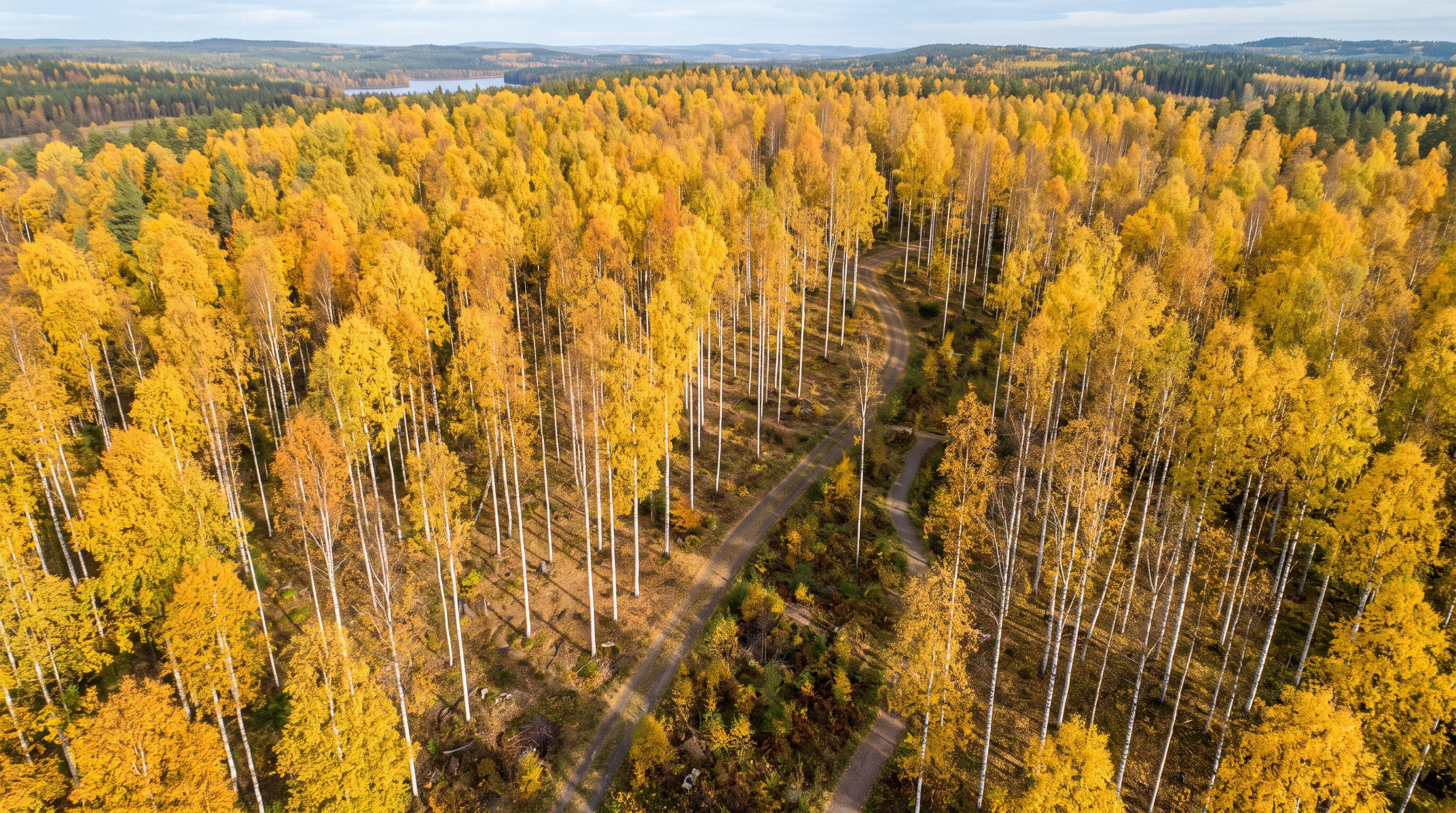
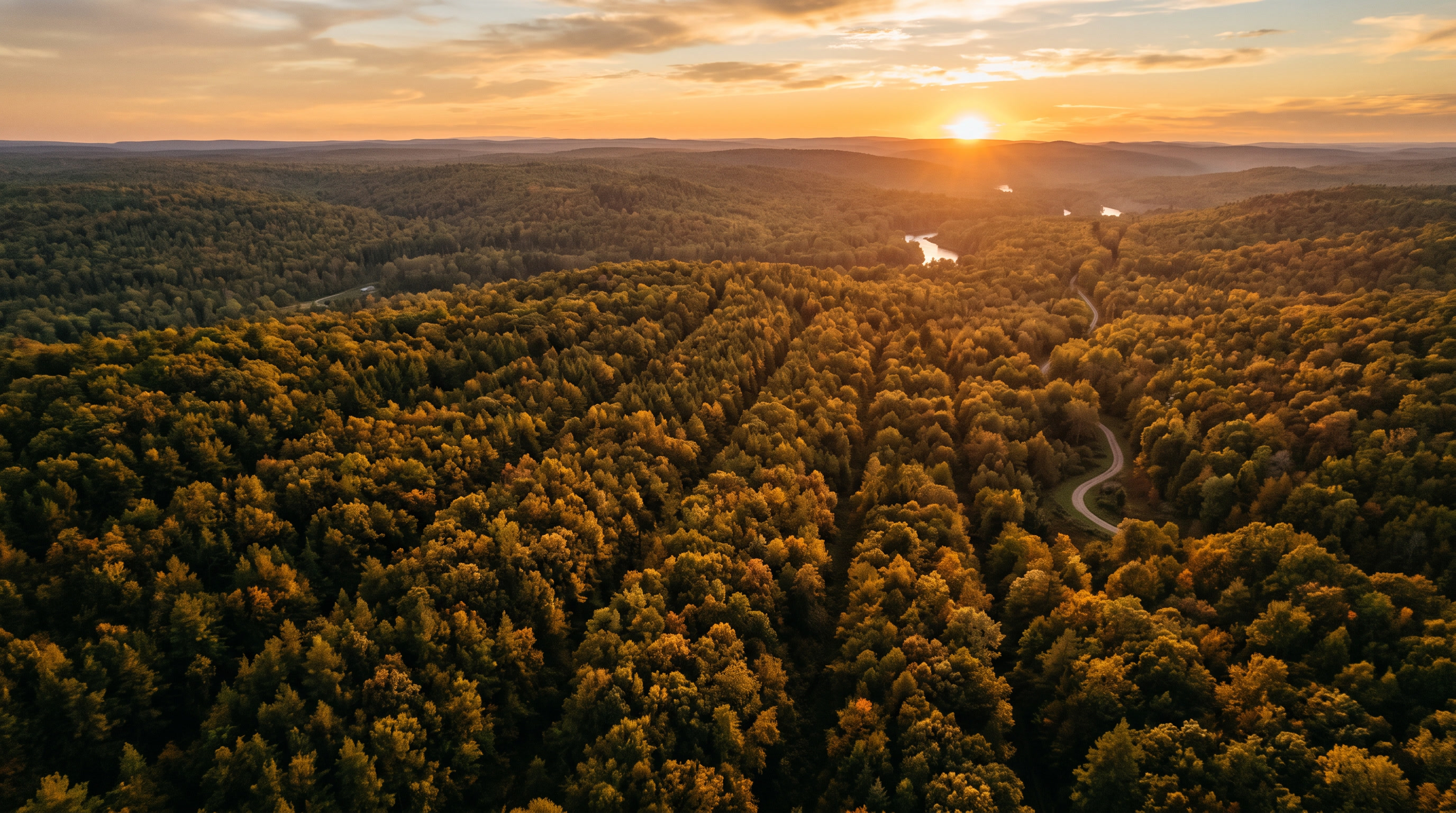
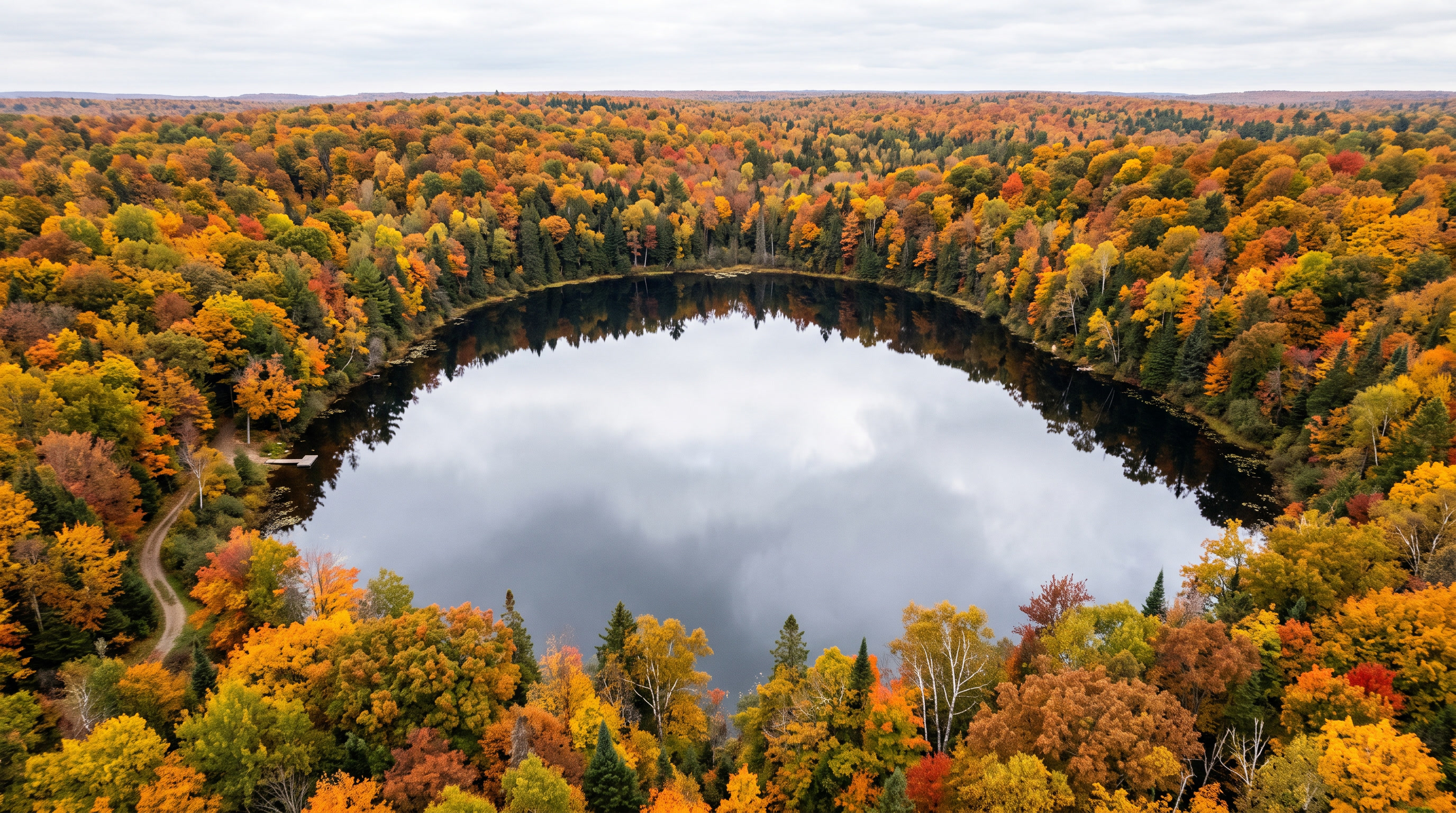
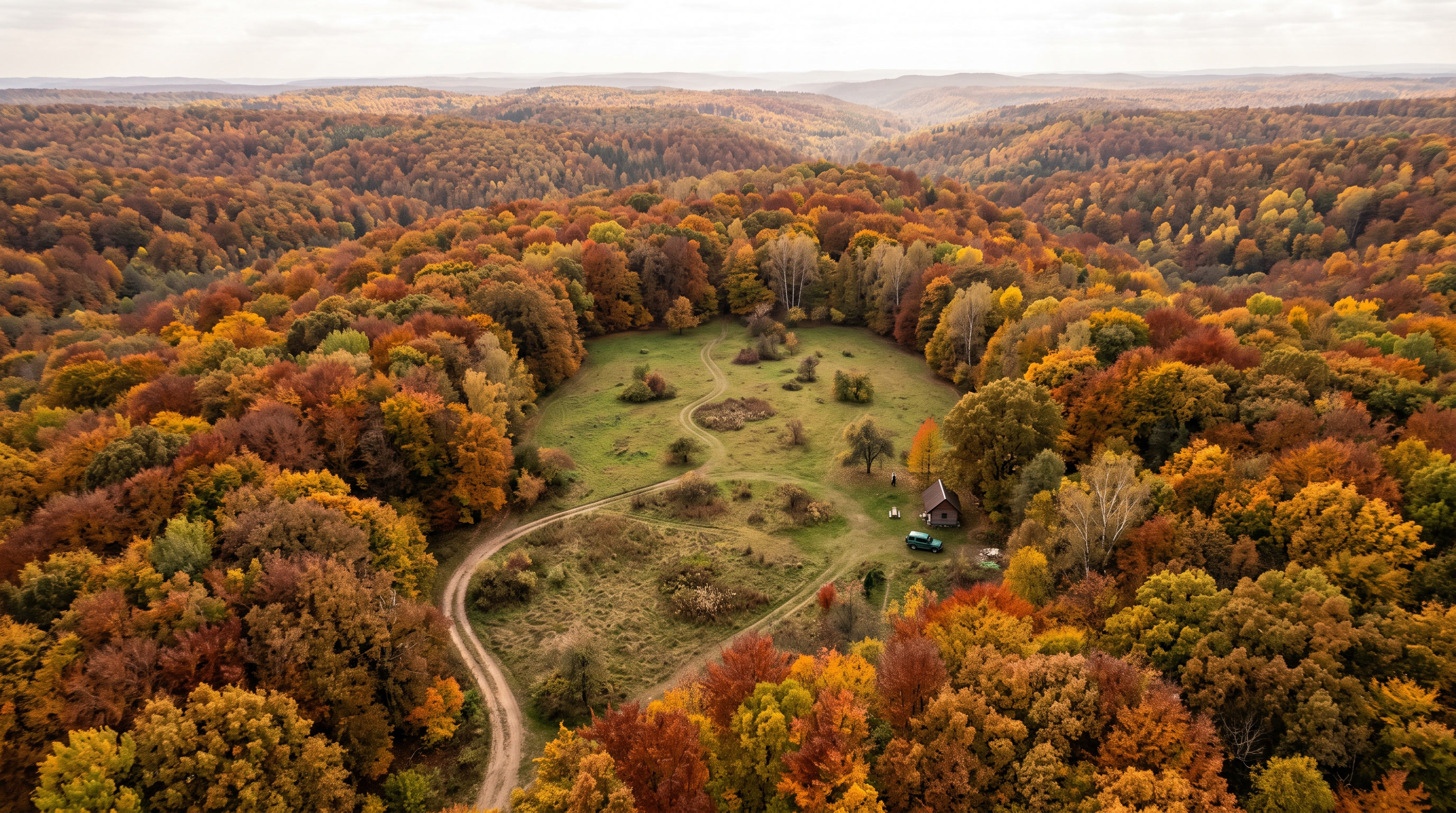
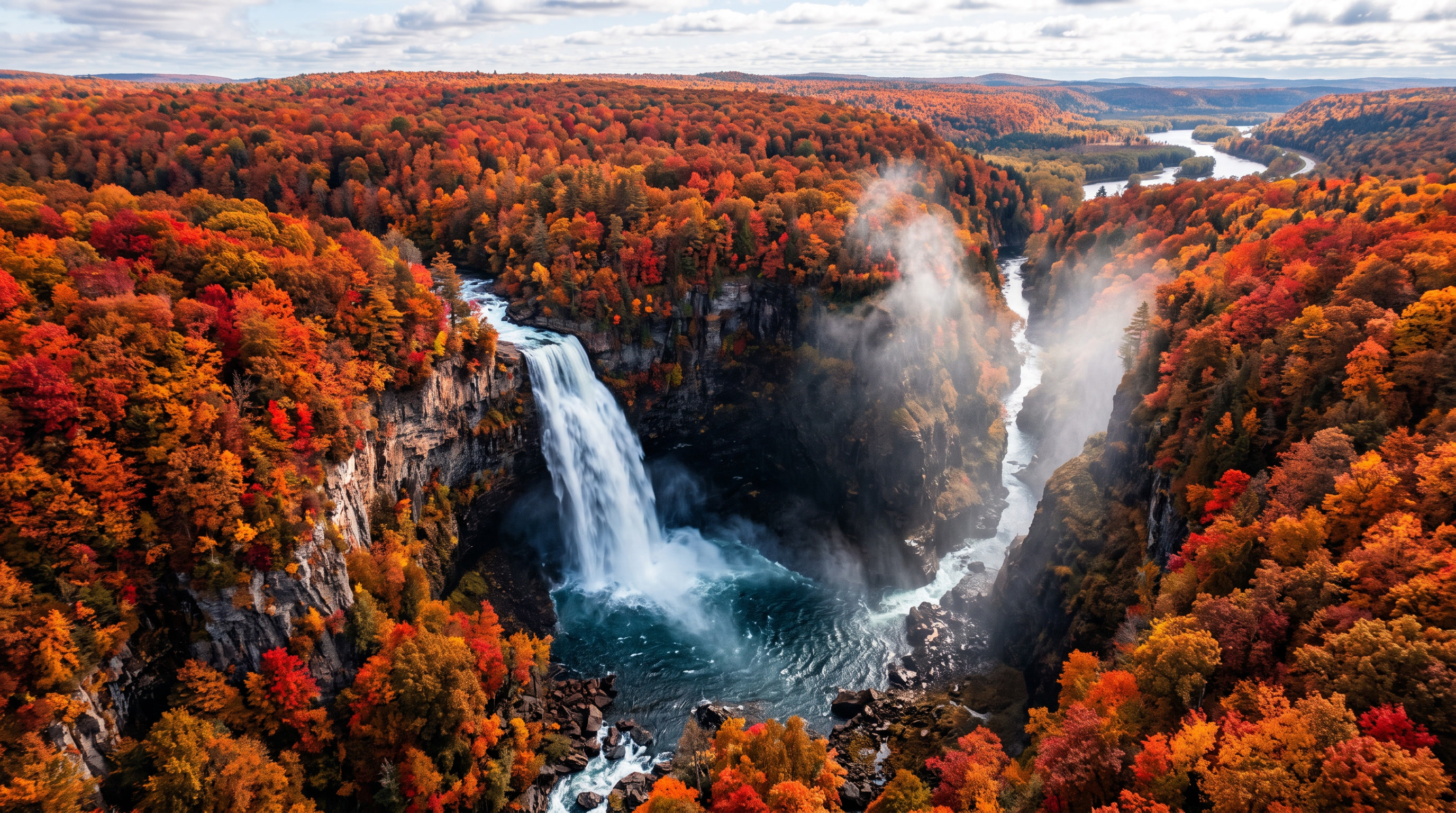
Autumn forest wallpapers for laptop are high-resolution desktop backgrounds that show fall woodland from above, with crimson, amber, and gold treetops stretching edge to edge across your screen. This collection is made for anyone who wants their workspace to feel like a leaf-peeping road trip, even on a Monday morning. Every image is free to download, created in widescreen 16:9, and optimized for laptop displays.

ย Click any image to download in full resolution.

The Autumn Forest Mood We Were Going For

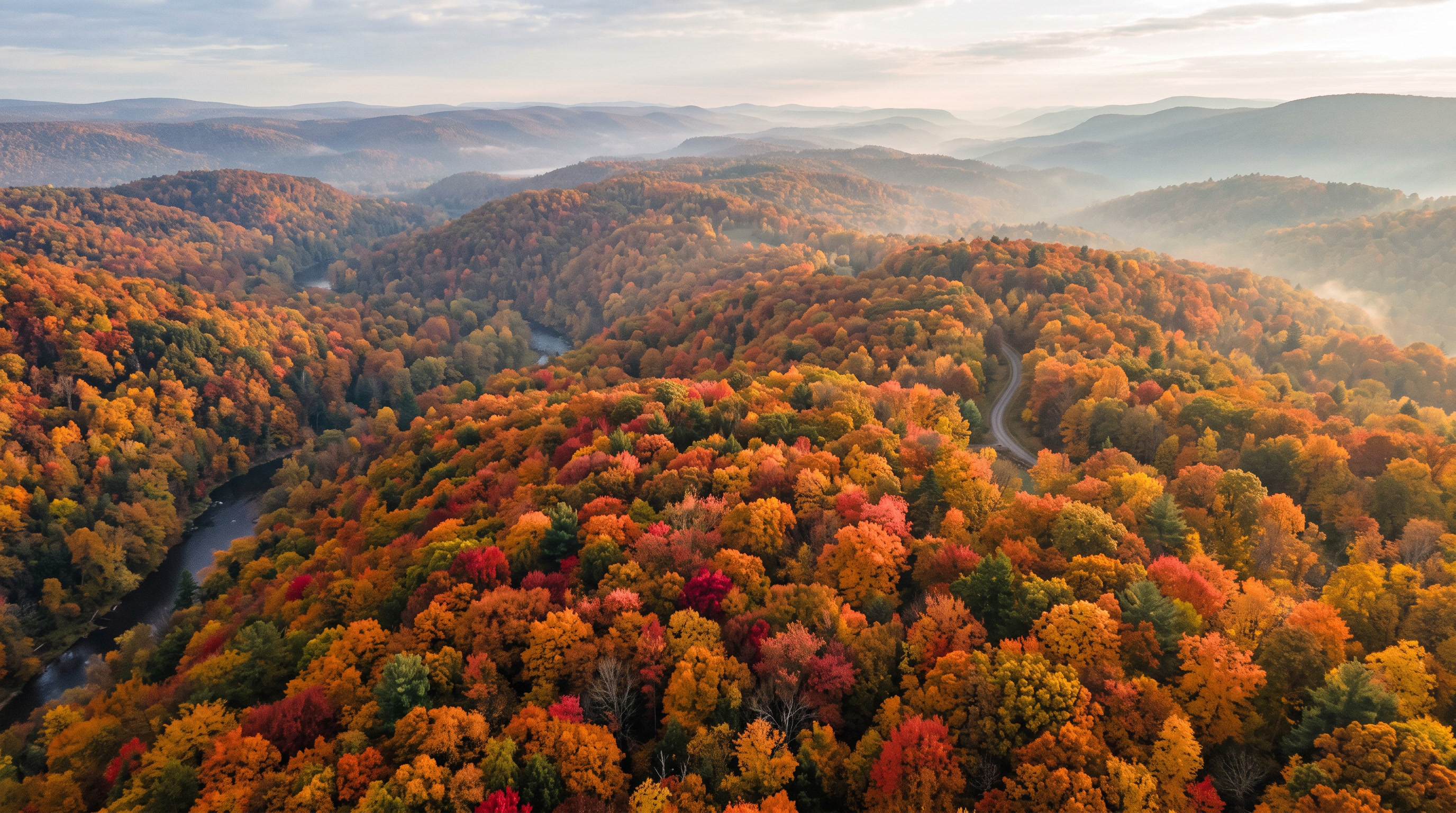
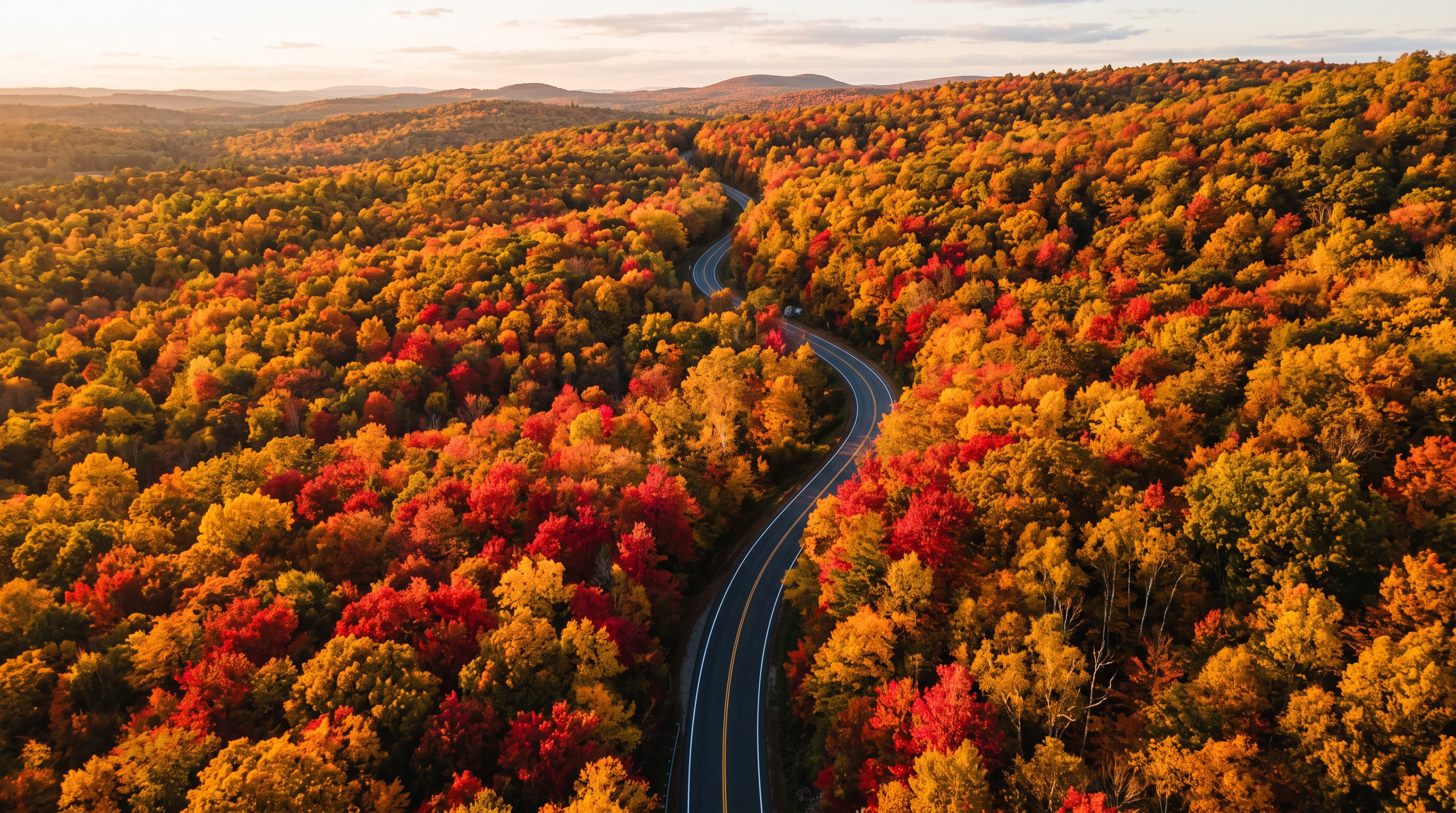
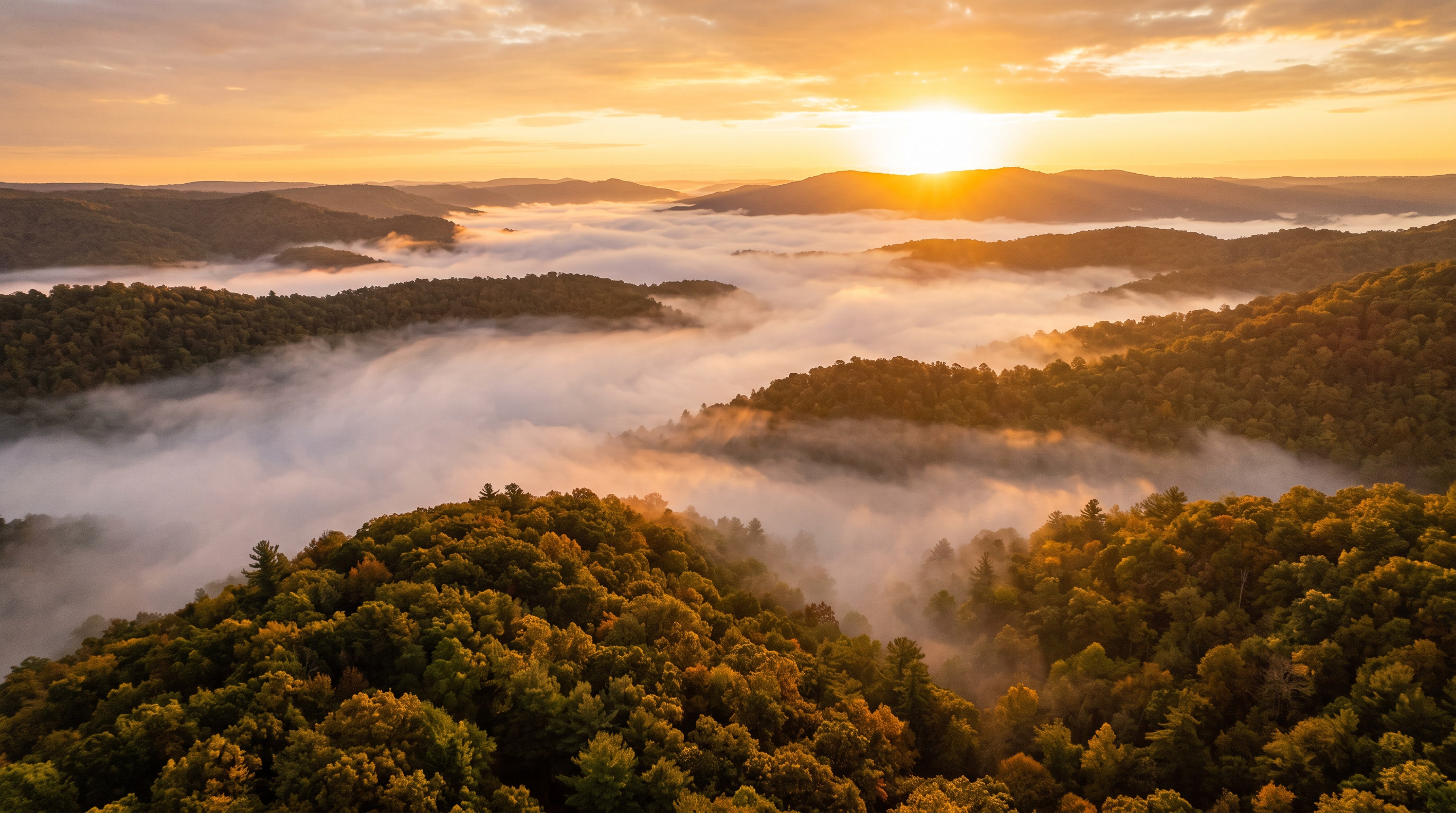
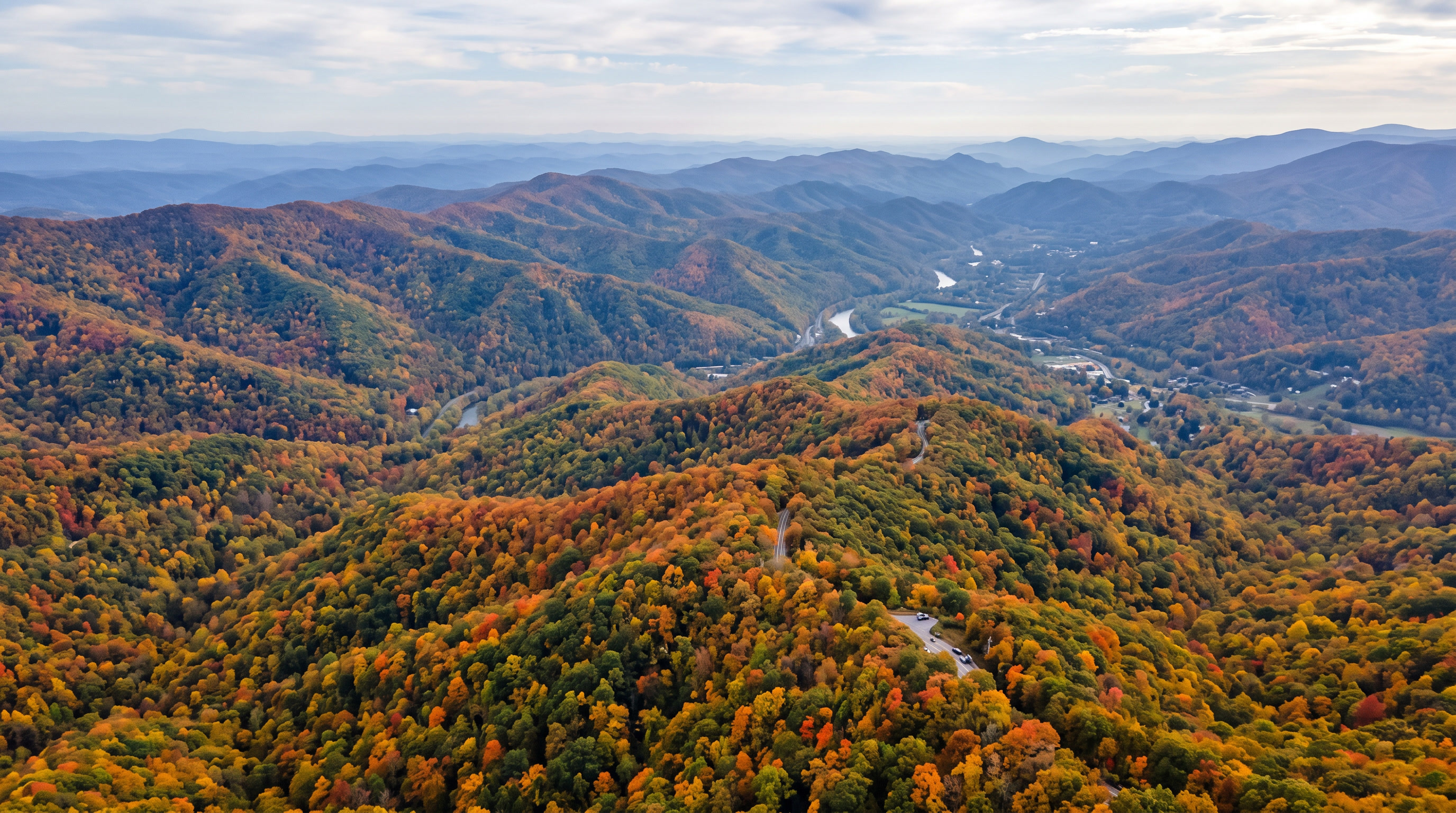
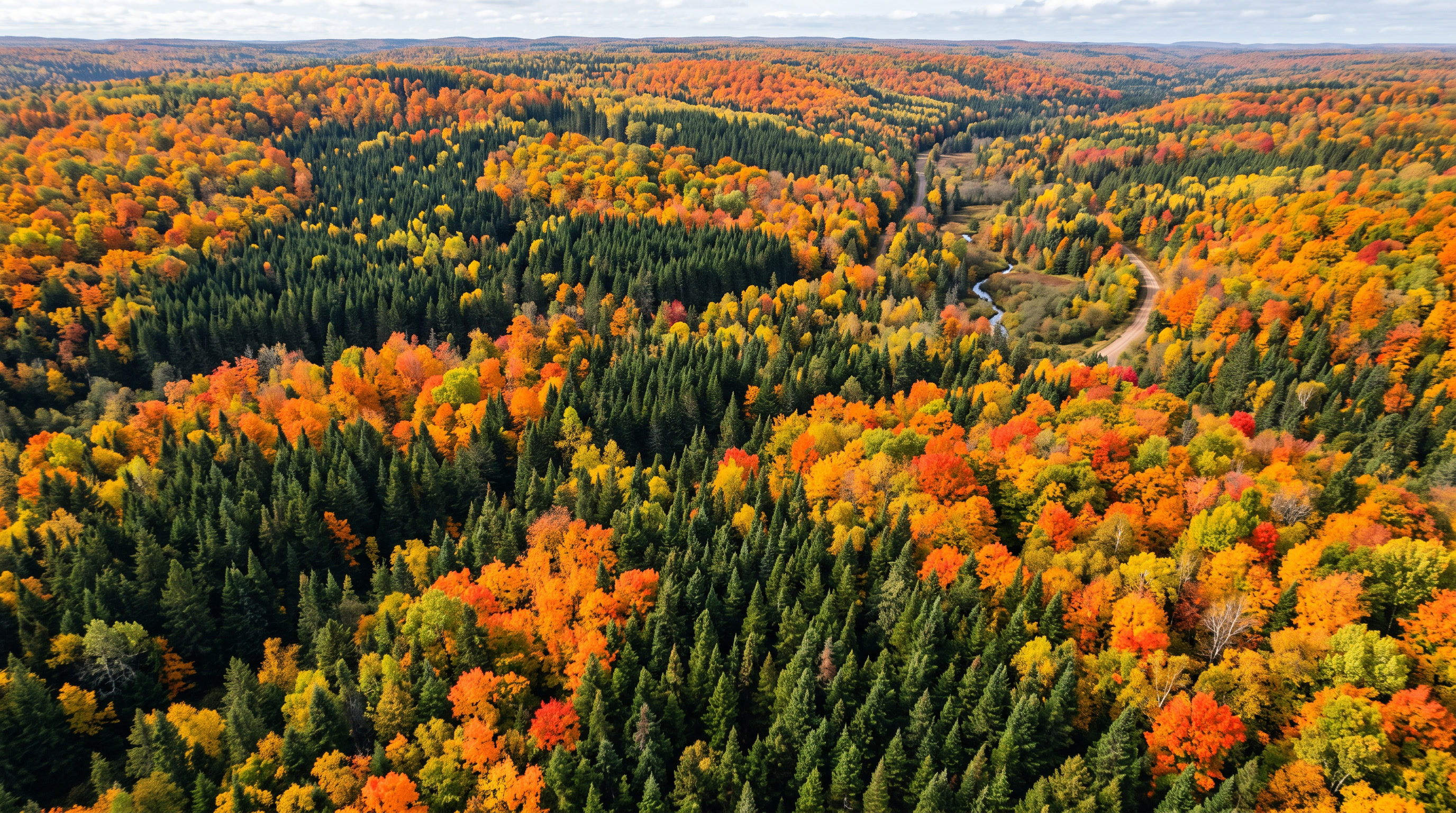
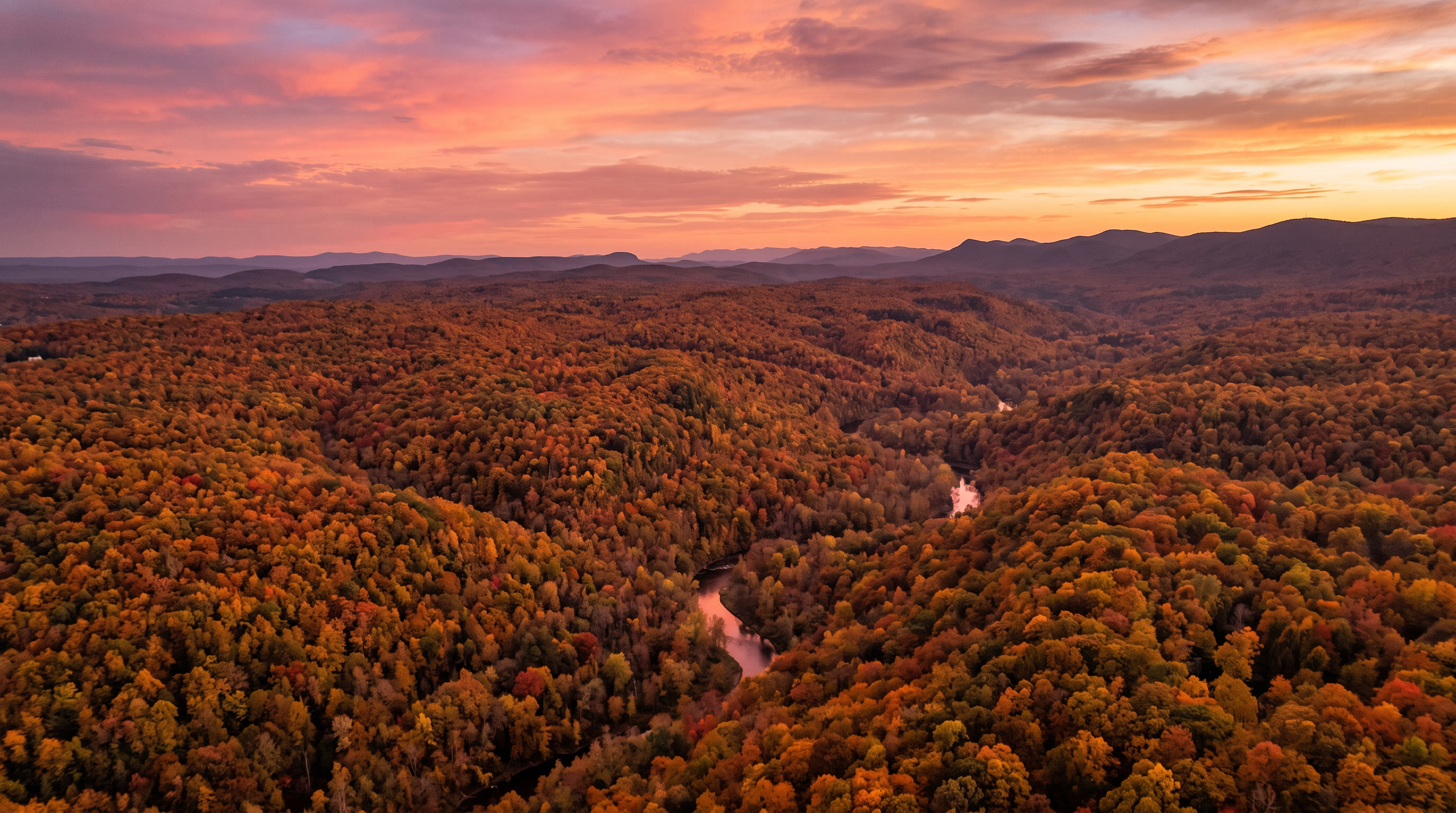
If you want a desk that wakes you up, start with the aerial peak color canopy, a wall of scarlet and tangerine that looks like Vermont in the second week of October. The golden birch grove brings the same energy in softer yellow. For something dreamy, the morning fog over rolling hills floats golden treetops above a sea of mist, just like the Blue Ridge Parkway at sunrise, while the sunset over an endless canopy with pink sky turns your screen into a slow, warm evening.

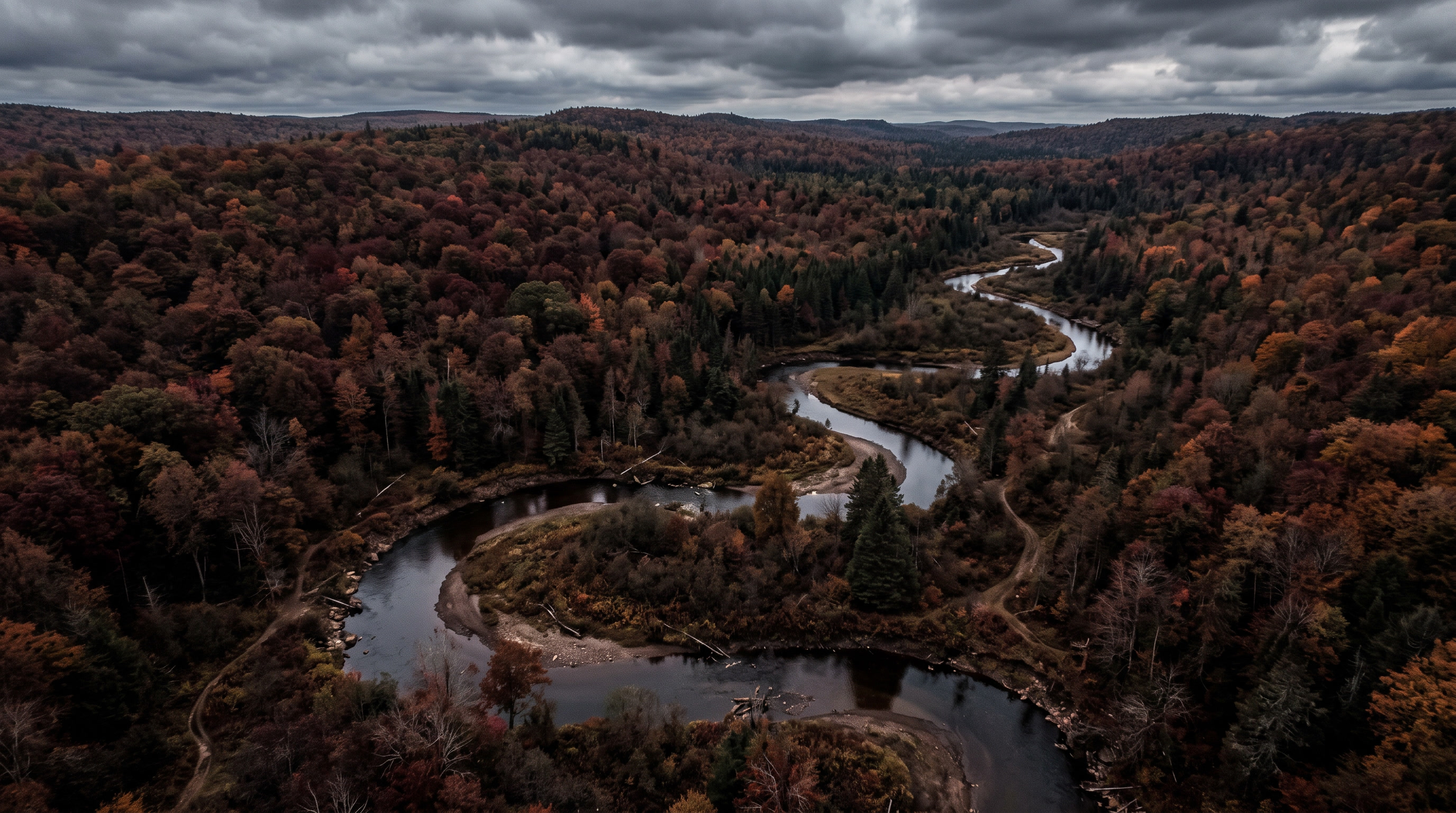
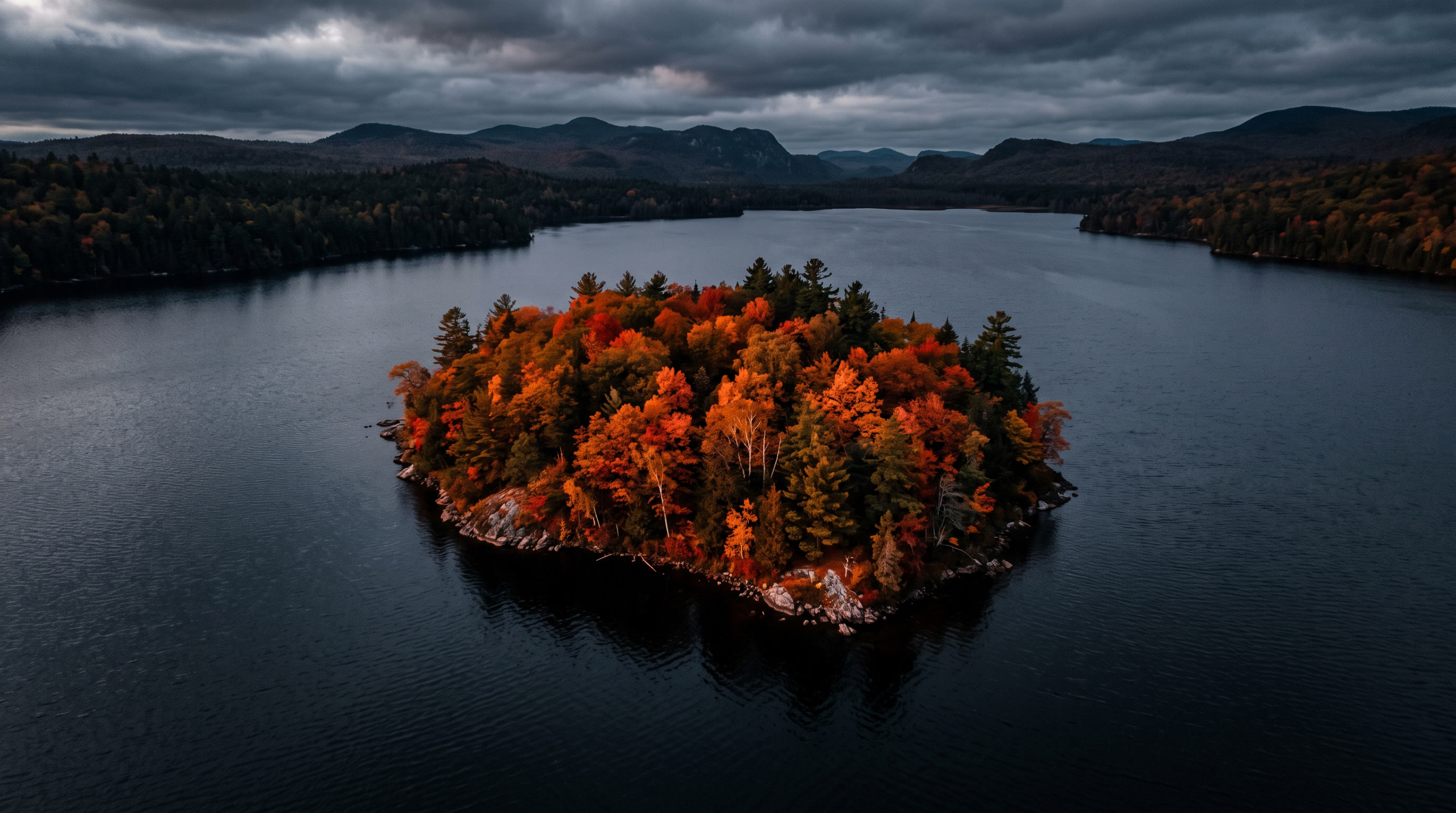
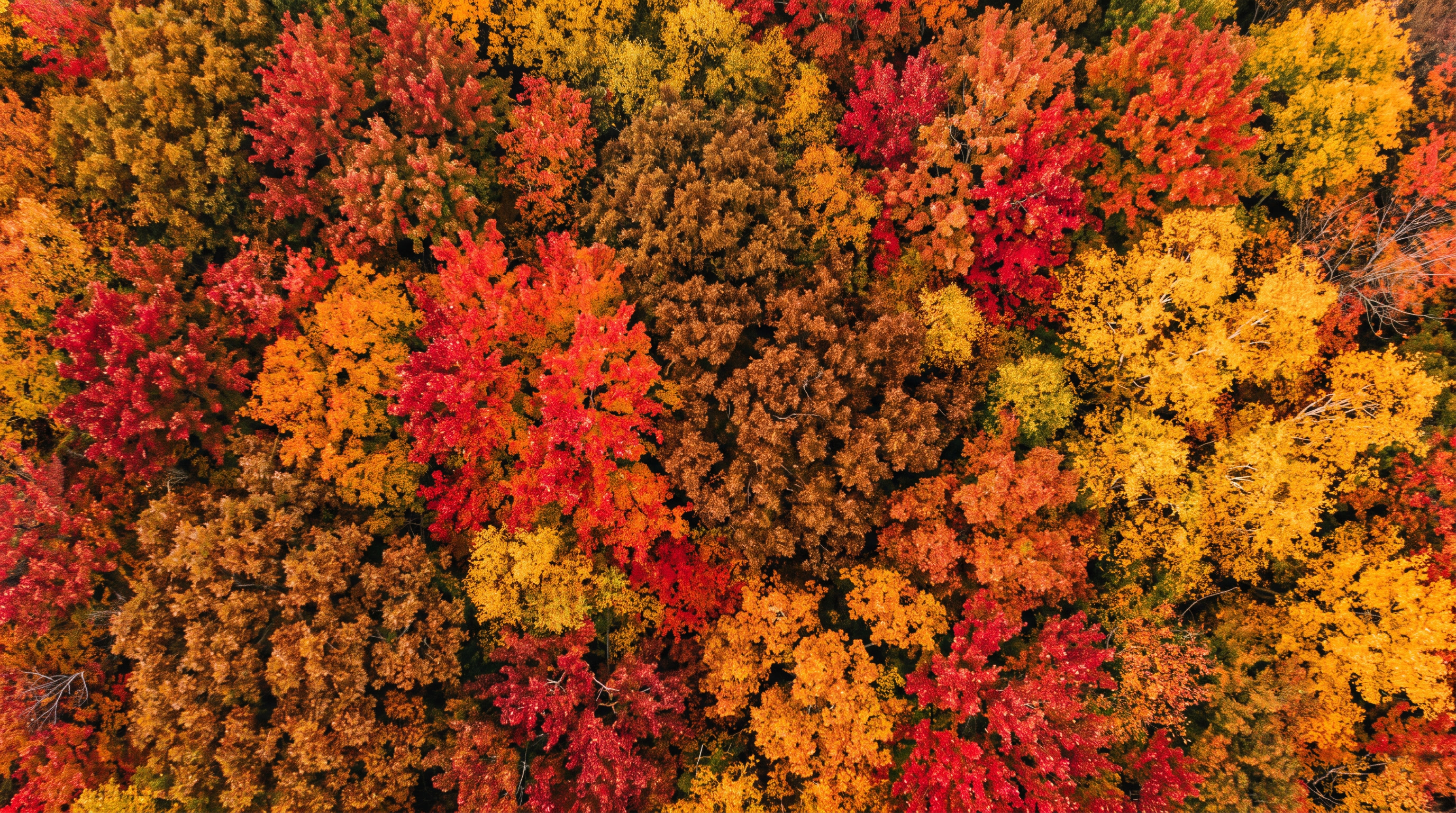
On the moodier side, the burgundy creek through dark woodland and the small island on a dark lake feel like film stills from the Adirondacks, deep reds against near-black water. If your style leans aesthetic, the top-down maple and oak texture reads like a painted pattern and keeps desktop icons easy to see, and the pine and birch patchwork mixes evergreen with gold like the White Mountains of New Hampshire. You’ll find even more cozy picks in our Seasonal Wallpapers โ†’.

What Size Are These Autumn Forest Wallpapers for Laptop?

Every image is created in a widescreen 16:9 format, the standard shape for most Windows laptops and external monitors. They stay crisp on Full HD and higher-resolution screens, so the treetop detail never turns blurry. On a MacBook, which uses a slightly taller 16:10 display, choose Fill Screen and your system will trim a thin strip from the sides. The aerial compositions keep their focal points centered, so nothing important gets cut.

Can I Use These Wallpapers on My Phone or iPad?

This set of autumn forest wallpapers for laptop is designed for horizontal screens, so it won’t fill a vertical phone display without heavy cropping. WallpaperInspo keeps separate collections for each device, with every image composed for that exact shape.

Are These Autumn Forest Wallpapers Really Free?

Yes. Every one of these autumn forest wallpapers for laptop is free to download, with no sign-up, no watermark, and no hidden paywall. They are intended for personal use on your own devices. If you love a design, sharing a link to this post is the kindest way to support the site and helps us keep creating new seasonal collections.

Can I Use Them as My Lock Screen or Login Screen?

Absolutely, and the calmer images work especially well there. On a Mac running macOS Sonoma or later, the login screen uses your desktop wallpaper automatically. On Windows 11, open Settings > Personalization > Lock screen and choose Picture to set a separate image. Try the lake mirror reflection on the lock screen and a busier canopy shot on the desktop, so each screen feels distinct.

How to Download Autumn Forest Wallpapers for Laptop

Setting up your new autumn forest wallpapers for laptop takes less than a minute. Look for the small laptop icon below each thumbnail, which confirms the image is optimized for laptop screens.

  1. Click the thumbnail to open the full-resolution version.
  2. Right-click the image and choose Save image as to store it in your Pictures or Downloads folder.
  3. On Windows: right-click the saved file and select Set as desktop background, or go to Settings > Personalization > Background.
  4. On Mac: open System Settings > Wallpaper, click Add Photo or Add Folder, and pick your image.

Pro tip: save several favorites into one folder and set it as a rotating slideshow, so your desktop drifts from golden hour to morning fog through the week.

Why Autumn Forest Wallpapers Trend Every Fall

Searches for fall wallpapers start climbing in late August, peak through September and October, and stay strong until Thanksgiving, when winter themes take over. That long season makes autumn forest wallpapers for laptop one of the most popular seasonal backgrounds, especially among students heading back to class and remote workers refreshing their setup for cooler months.

There is a good reason these images feel so pleasant on a work screen. Research on attention restoration suggests that even brief views of natural scenery can ease mental fatigue, and warm tones like amber and rust tend to feel cozy rather than distracting. A forest seen from above also adds a sense of open space, which helps a crowded desktop feel less cramped.

On the trend side, drone photography has changed how people picture fall. Instead of a single tree, the aerial view shows entire hillsides of color, the same look that makes leaf-peeping videos from Maine, Vermont, and the Great Smoky Mountains go viral every October. Combine that with the cozy fall desk setup trend, and aerial autumn forest wallpapers for laptop become a natural choice for a seasonal refresh.

Explore More

Looking for more fall and seasonal designs? Visit our seasonal wallpapers collection for additional cozy autumn backgrounds

Want something autumn-themed for your phone as well? Our fall wallpaper aesthetic iPhone post features sketched figures dressed in real autumn leaves on rich, dark backgrounds.